How to Recognize Phishing Links in Messaging Apps
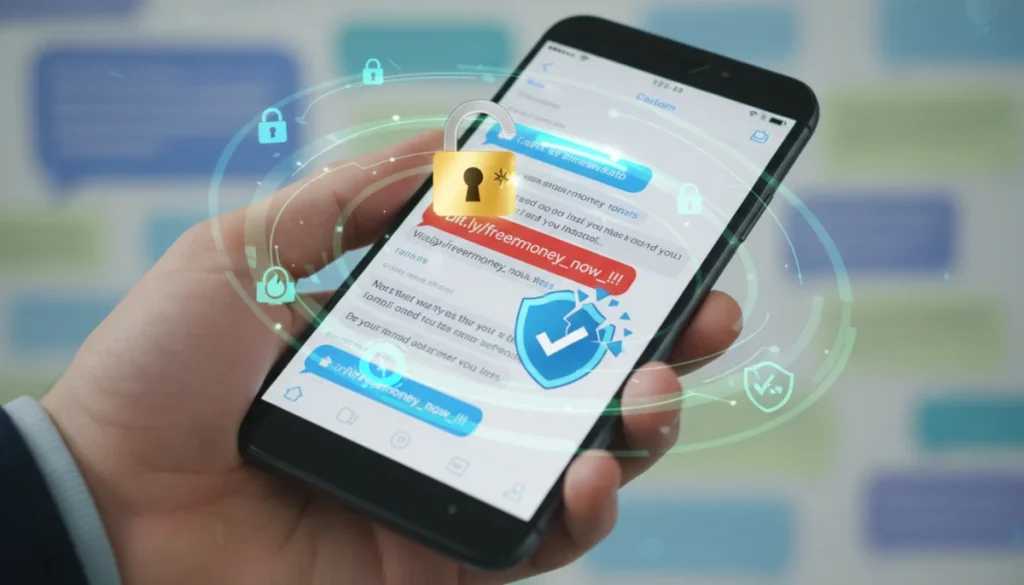
Recognizing phishing links sent through messaging apps is crucial for digital safety, primarily involving careful scrutiny of unexpected messages, sender verification, and meticulous examination of URL details before clicking.
In today’s hyper-connected world, messaging apps have become indispensable for communication, but they also serve as fertile ground for cybercriminals. Learning how to recognize phishing links sent through messaging apps is no longer just a good practice; it’s a vital skill for protecting your digital life. These deceptive links are expertly crafted to trick you into revealing sensitive information, often leading to identity theft or financial loss.
Understanding the Phishing Threat in Messaging Apps
Phishing is a deceptive cyberattack where criminals impersonate trustworthy entities to trick individuals into divulging sensitive information. While email has historically been the primary vector for phishing, the surge in messaging app usage has made them a new, highly effective channel for these attacks. The casual and immediate nature of messaging apps often lulls users into a false sense of security, making them more susceptible to clicking malicious links without due diligence.
The threat is particularly insidious because these links can come from seemingly legitimate sources, including contacts whose accounts have been compromised. The urgency often created by phishing messages, such as alerts about account issues or enticing offers, compels users to act quickly, bypassing critical thinking and security checks. This immediacy, combined with the often-truncated view of URLs in mobile messaging interfaces, makes recognizing these threats challenging but essential for safeguarding personal data.
Why Messaging Apps are Prime Targets
Messaging apps offer several advantages for phishers. Their ubiquitous use means a vast pool of potential victims. The quick-fire nature of conversations encourages rapid responses, often without thorough scrutiny. Furthermore, many apps use end-to-end encryption, which, while beneficial for privacy, can also make it harder for security systems to detect malicious content before it reaches the user. The personal touch of a message, even from an unknown sender, can also increase its perceived legitimacy.
- High User Engagement: Billions of users worldwide actively use messaging apps daily.
- Sense of Urgency: Messages often demand immediate action, reducing critical evaluation time.
- Personalized Attacks: Phishers can tailor messages to individual targets, increasing effectiveness.
- Limited URL Visibility: Mobile interfaces often hide full URLs, making inspection difficult.
Understanding these underlying factors is the first step in building a robust defense against phishing attempts. By recognizing why messaging apps are targeted, users can develop a more cautious mindset when interacting with unexpected links and messages.
Scrutinizing Sender Identity and Message Content
One of the most effective ways to recognize phishing links is to critically evaluate the sender’s identity and the content of the message itself. Phishers often rely on impersonation, hoping you won’t notice subtle discrepancies. Always question the legitimacy of any unexpected message, even if it appears to come from a known contact. Their account might have been compromised, or the sender’s name could be spoofed to look familiar.
Examine the tone and urgency of the message. Phishing attempts frequently create a sense of panic or excitement to bypass rational thought. Phrases like “urgent action required,” “your account will be suspended,” or “claim your prize now” are common red flags. Legitimate organizations rarely demand immediate action without prior notification through official channels.
Red Flags in Sender Information
Always double-check the sender’s profile. Does their username or display name look slightly off? Are there unusual characters or numbers mixed in? If the message purports to be from a company, does it align with their official communication methods? A quick cross-reference with official contact information can save you from a potential scam.
- Unusual Sender ID: Look for misspelled names, extra characters, or generic numbers.
- Unexpected Contact: Is this person or organization supposed to be messaging you?
- Account Compromise: Even if it’s a known contact, their account might be hacked.
- Lack of Personalization: Generic greetings like “Dear Customer” are often suspicious.
The message’s content should also be scrutinized for grammatical errors, awkward phrasing, or inconsistencies. While not every legitimate message is perfect, a high frequency of errors is a strong indicator of a phishing attempt. Always prioritize verification over immediate action, especially when a message prompts you to click a link or provide personal details.
Analyzing the URL for Suspicious Indicators
The most critical step in learning how to recognize phishing links sent through messaging apps is meticulously analyzing the URL. Phishers often create URLs that look similar to legitimate ones but contain subtle alterations. Before clicking any link, take a moment to inspect it carefully. On mobile, this usually means pressing and holding the link to reveal the full URL without navigating to the page.
Look for discrepancies in the domain name. For example, a link claiming to be from “paypal.com” might actually be “paypa1.com” or “paypal-secure.net.” These small changes are designed to trick the eye. Also, be wary of unusually long URLs with multiple subdomains or strange character sequences. Legitimate websites typically have clean, straightforward URLs.
Key URL Inspection Points
The domain is the most important part of a URL to check. It’s the part right before the first single slash (/) and after “https://” or “http://.” Ensure this matches the expected organization’s domain exactly. Also, pay attention to the protocol. While “https://” indicates a secure connection, it doesn’t guarantee the site itself is legitimate, as phishers can obtain SSL certificates for their fake sites.
- Domain Name Mismatch: Verify the root domain matches the expected organization.
- Typos and Substitutions: Look for common misspellings or character replacements (e.g., ‘l’ for ‘1’).
- Multiple Subdomains: Be suspicious of URLs with too many dots or unusual subdomains.
- Unusual Top-Level Domains (TLDs): While not always malicious, be cautious of unfamiliar TLDs.
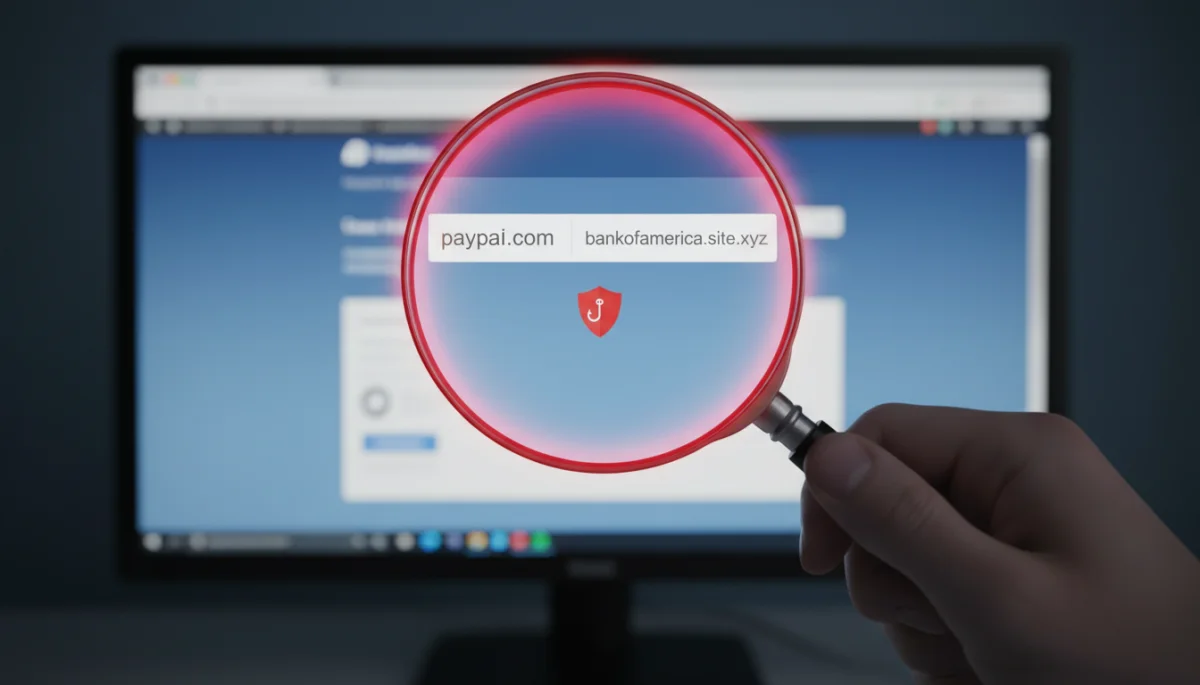
Always remember that if a link looks even slightly suspicious, it’s better to be safe than sorry. Avoid clicking it and instead, navigate directly to the official website of the organization in question to verify any claims made in the message.
Verifying Unexpected Requests and Offers
Phishing attacks often involve unexpected requests or offers that seem too good to be true. These can range from notifications about lottery winnings, tax refunds, or exclusive discounts, to urgent requests for personal information to resolve an alleged account issue. When you receive such a message through a messaging app, your immediate reaction should be skepticism. Legitimate organizations typically do not communicate sensitive requests or offer incredible deals solely through unsolicited messages.
Consider the context of the message. Have you entered any lottery? Are you expecting a tax refund notification via a messaging app? Does the offer align with previous interactions you’ve had with the supposed sender? Any deviation from normal communication patterns or unexpected windfalls should raise a significant red flag. Phishers exploit human curiosity and greed, as well as fear, to make their scams more effective.
Common Phishing Lures
Phishers employ various psychological tactics to manipulate victims. They might create a sense of urgency, implying that an offer will expire soon or that an account will be locked if immediate action isn’t taken. They might also appeal to emotions, such as fear of missing out or concern over a security breach. Recognizing these common lures is a crucial aspect of understanding how to recognize phishing links sent through messaging apps.
- Urgent Account Alerts: Warnings about compromised accounts or suspicious activity.
- Irresistible Offers: Promises of large sums of money, free gifts, or exclusive discounts.
- Fake Invoices/Bills: Notifications about unpaid bills or unexpected charges.
- Charity Scams: Requests for donations, especially during times of crisis.
If you receive an unexpected request for personal information or an enticing offer, always verify its legitimacy through official channels. Contact the organization directly using a phone number or email address found on their official website, not through any contact information provided in the suspicious message.
Leveraging Security Features and Best Practices
Beyond individual vigilance, utilizing the security features offered by messaging apps and adopting general cybersecurity best practices are vital in the fight against phishing. Many messaging platforms include tools to report suspicious messages and block unwanted contacts. Actively using these features helps protect not only yourself but also other users by flagging malicious activity for the platform providers.
Enabling two-factor authentication (2FA) on your messaging apps and other online accounts adds an extra layer of security. Even if a phisher manages to steal your password, they won’t be able to access your account without the second authentication factor, typically a code sent to your phone or generated by an authenticator app. This significantly reduces the risk of account compromise.
Essential Security Measures
Regularly updating your messaging apps and operating system is another critical practice. Software updates often include security patches that fix vulnerabilities exploited by cybercriminals. An outdated app can be a gateway for attackers to gain access to your device or personal data, even if you don’t click on a phishing link. Furthermore, be cautious about the information you share online, as phishers can use publicly available data to craft more convincing attacks.
- Enable Two-Factor Authentication (2FA): Adds a crucial layer of security to your accounts.
- Report Suspicious Messages: Help platforms identify and remove phishing attempts.
- Keep Software Updated: Ensure apps and operating systems have the latest security patches.
- Be Wary of Public Wi-Fi: Avoid accessing sensitive accounts on unsecured networks.
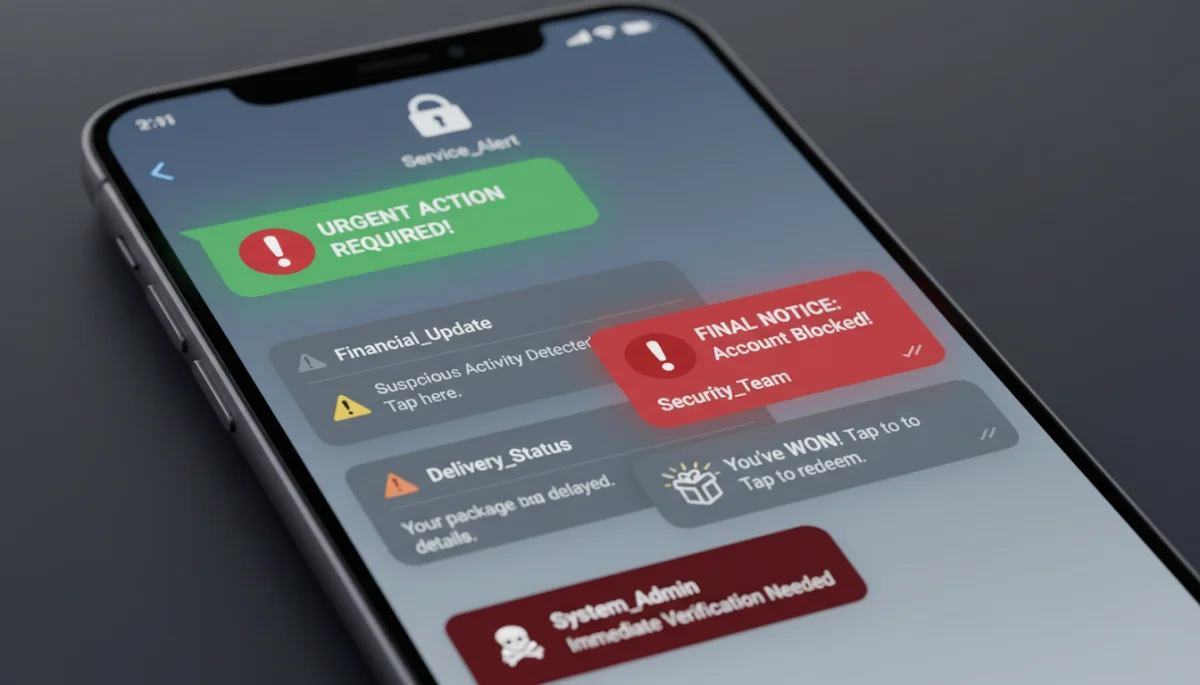
By combining personal awareness with robust security measures, you create a stronger defense against the evolving tactics of phishers. Staying informed about new threats and consistently applying these best practices will significantly enhance your online safety.
Educating Yourself and Staying Informed
The landscape of cyber threats is constantly evolving, and phishing techniques are becoming increasingly sophisticated. Therefore, continuous education and staying informed about the latest scams are crucial for effective protection. Cybercriminals are always finding new ways to exploit vulnerabilities and trick users, making it imperative to keep your knowledge up-to-date. Regularly reading about current phishing trends and common attack vectors can empower you to recognize new threats before they become widespread.
Many reputable cybersecurity blogs, government agencies, and tech news outlets publish advisories and articles on emerging phishing scams. Subscribing to their newsletters or following them on social media can provide timely alerts. Understanding the psychological tricks phishers use, such as preying on fear, urgency, or curiosity, helps in developing a more resilient mindset against these attacks. The more you know, the better equipped you are to make informed decisions and avoid falling victim.
Resources for Continuous Learning
Utilize online resources to enhance your understanding of cybersecurity. Websites like the Cybersecurity and Infrastructure Security Agency (CISA), the Federal Trade Commission (FTC), and reputable cybersecurity firms offer valuable information and tips. Participating in online security forums or discussions can also provide insights into real-world phishing attempts and defense strategies.
- Follow Cybersecurity News: Stay updated on the latest threats and vulnerabilities.
- Review Official Alerts: Check government and security agency websites for advisories.
- Engage in Security Communities: Learn from others’ experiences and share knowledge.
- Practice Phishing Drills: Some organizations offer simulated phishing tests to improve recognition.
Ultimately, a proactive approach to cybersecurity education is your strongest shield against phishing. By staying vigilant and continuously learning, you can significantly reduce your risk of encountering and falling prey to malicious links in messaging apps. This ongoing commitment to knowledge is key to maintaining your digital privacy and safety.
Responding to a Suspected Phishing Attempt
Even with the best preventative measures, you might still encounter a message that you suspect contains a phishing link. Knowing how to respond appropriately is just as important as being able to identify the threat. Your actions can prevent personal harm and potentially protect others from falling victim to the same scam. The immediate and most crucial step is to avoid clicking the link, regardless of how convincing or urgent the message appears.
Once you’ve identified a suspicious message, do not engage with the sender. Replying to a phishing attempt can confirm to the attacker that your account is active, potentially leading to more targeted attacks. Instead, the focus should be on reporting the incident and blocking the sender. This helps platform providers track and mitigate these threats, making the digital environment safer for everyone.
Steps to Take After Identification
Most messaging apps have built-in features to report and block users. Utilize these tools to flag the message as spam or a phishing attempt. If the message came from a contact whose account you suspect has been compromised, inform them through an alternative, secure communication channel (e.g., a phone call or a separate email) to let them know their account might be compromised. This can help them regain control of their account and prevent further misuse.
- Do Not Click the Link: This is the golden rule; never interact with suspicious links.
- Do Not Reply: Engaging with phishers can confirm your account’s activity.
- Report and Block: Use the messaging app’s features to flag the sender and prevent future contact.
- Inform Compromised Contacts: Notify friends or family if their account seems hacked.
If you accidentally clicked a phishing link, or if you’re unsure, immediately change your passwords for any accounts that might have been compromised. Monitor your bank accounts and credit card statements for suspicious activity. Running a full antivirus scan on your device is also advisable. Swift action can often mitigate potential damage, making your response a critical part of your overall cybersecurity strategy.
| Key Point | Brief Description |
|---|---|
| Sender Verification | Always scrutinize the sender’s identity and look for inconsistencies or unexpected messages. |
| URL Inspection | Hover or long-press links to check the full URL for typos, fake domains, or unusual characters. |
| Content Red Flags | Be wary of urgent requests, enticing offers, grammatical errors, or demands for personal information. |
| Security Practices | Enable 2FA, keep apps updated, and report suspicious activity to platforms. |
Frequently Asked Questions About Phishing Links
Phishing is a cyberattack where criminals trick users into revealing sensitive information. It’s common in messaging apps due to their widespread use, the sense of urgency they create, and the limited visibility of full URLs on mobile interfaces, making detection harder for unsuspecting users.
On most smartphones, you can press and hold a link within a messaging app to reveal the full URL without opening it. This allows you to inspect the domain name for any discrepancies, typos, or unusual characters that might indicate a phishing attempt.
Key red flags include unexpected messages, urgent demands for action, enticing offers that seem too good to be true, grammatical errors or awkward phrasing, and requests for personal information that legitimate organizations typically wouldn’t ask for via messaging apps.
If you accidentally click a phishing link, immediately close the tab or app. Change passwords for any accounts that might have been compromised, especially if you entered credentials. Run an antivirus scan on your device and monitor your financial accounts for suspicious activity.
Many messaging apps offer features to report suspicious messages and block senders. Enabling two-factor authentication (2FA) for your accounts adds an extra layer of security. Staying updated with the latest app versions also ensures you benefit from the newest security patches and protections.
Conclusion
Mastering how to recognize phishing links sent through messaging apps is an indispensable skill in our digital age. By adopting a skeptical mindset, meticulously inspecting sender identities and URLs, being wary of unexpected requests, and leveraging available security features, you can significantly bolster your defenses against cyber threats. Continuous education and a proactive approach to online safety are your best tools in navigating the complex world of digital communication securely.
