FaceTime vs. Google Meet: Device Compatibility & Invitation Options
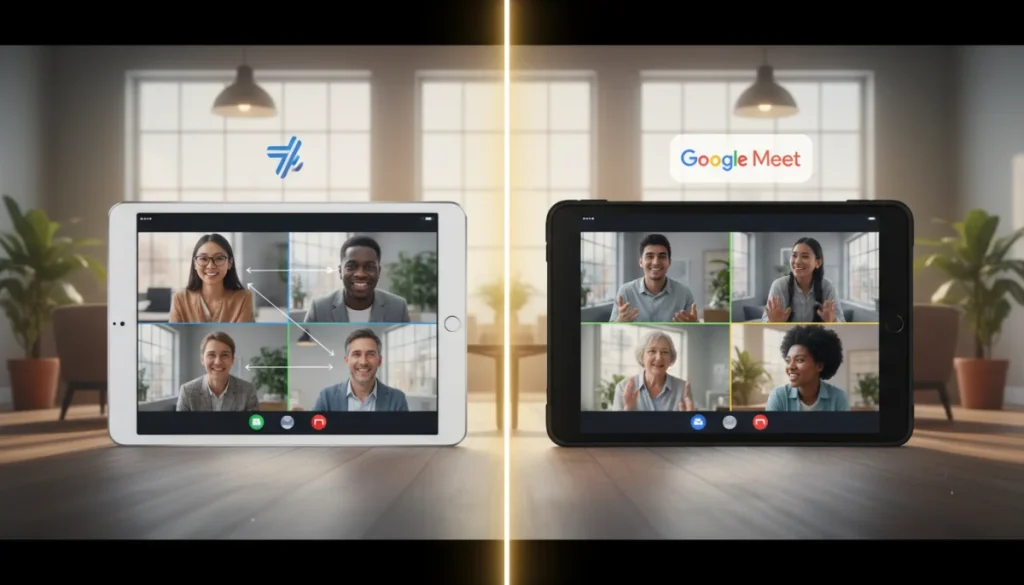
Choosing between FaceTime and Google Meet hinges on device compatibility and invitation flexibility; FaceTime excels within the Apple ecosystem, while Google Meet offers broad cross-platform access and versatile meeting invitation methods.
In today’s interconnected world, video calling applications are indispensable for both personal and professional communication. Understanding the nuances of FaceTime Google Meet compatibility and their respective invitation options is crucial for selecting the platform that best fits your needs. This article delves into the specifics of these two popular services, helping you make an informed decision.
Understanding FaceTime’s Ecosystem and Device Compatibility
FaceTime, Apple’s proprietary video and audio calling service, is renowned for its seamless integration and high-quality experience within the Apple ecosystem. Initially exclusive to Apple devices, its compatibility has expanded in recent years, though with certain limitations. This section explores where FaceTime shines and where its boundaries lie.
Native Apple Device Integration
FaceTime is pre-installed and deeply integrated into virtually all Apple products. This includes iPhones, iPads, Mac computers, and even the Apple Watch (for audio calls). The user experience is designed to be intuitive, leveraging Apple’s hardware and software synergy for optimal performance. Users can initiate calls directly from contacts, messages, or the FaceTime app itself, often with just a tap.
- iPhones: Seamless video and audio calls, group calls, and SharePlay features.
- iPads: Larger screen for group calls, ideal for family gatherings or presentations.
- Macs: High-definition video calls, screen sharing, and integration with other macOS apps.
- Apple Watch: Primarily for audio calls, offering convenience on the go.
Expanding Beyond Apple: Web-Based Access
A significant development for FaceTime was the introduction of web-based access. This allows non-Apple users to join FaceTime calls through a web browser, provided they receive an invitation link from an Apple device user. This move has made FaceTime more inclusive, though it still relies on an Apple host to initiate the conversation.
While web-based access broadens FaceTime’s reach, it’s important to note that the full suite of features, such as SharePlay or spatial audio, might not be available to non-Apple participants. The primary goal of this expansion is to facilitate communication between Apple and non-Apple users, rather than offering a fully cross-platform native application.
In essence, FaceTime’s core strength remains its deep integration within the Apple ecosystem, providing an unparalleled user experience for those with Apple devices. Its limited web-based compatibility serves as a bridge, allowing occasional interaction with non-Apple users without fully compromising its exclusive nature.
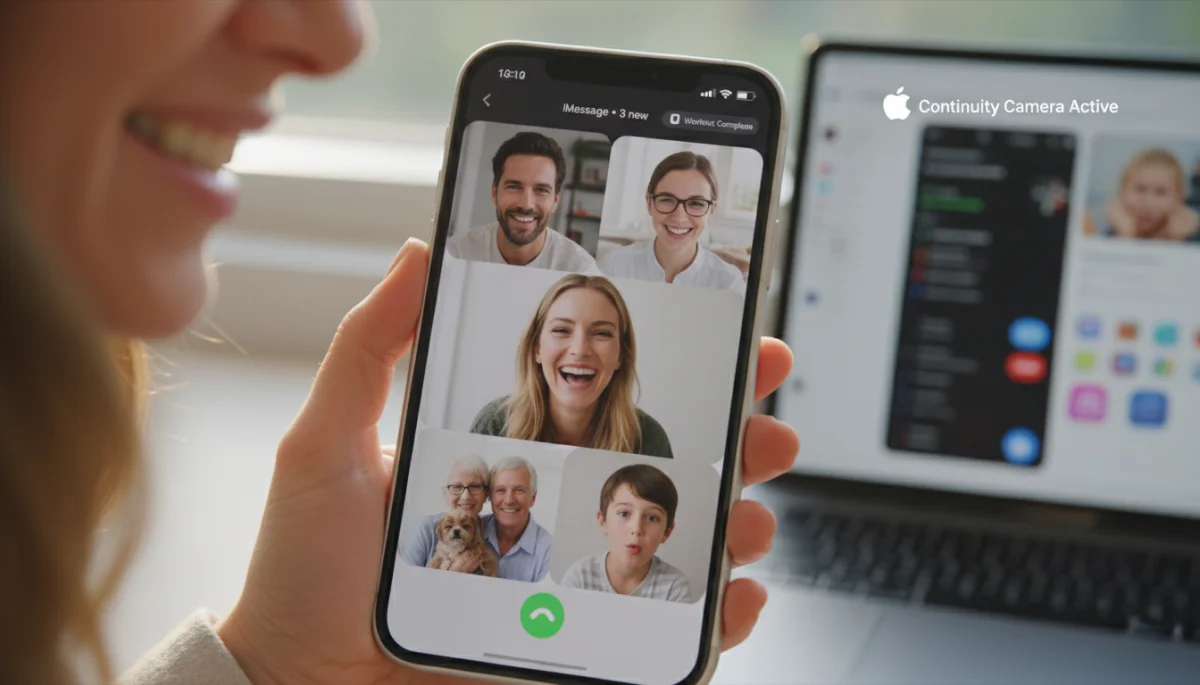
Google Meet’s Universal Compatibility and Accessibility
Google Meet stands in stark contrast to FaceTime with its foundational principle of universal accessibility. Designed from the ground up to be platform-agnostic, Google Meet ensures that virtually anyone with an internet connection and a compatible device can join or host a meeting. This broad compatibility makes it a go-to choice for diverse groups and organizations.
Cross-Platform Design Philosophy
Google Meet’s strength lies in its ability to function seamlessly across a multitude of operating systems and devices. Whether you’re on a Windows PC, a macOS laptop, a Chromebook, an Android smartphone, or an iOS device, Google Meet provides a consistent and reliable experience. This is primarily achieved through its web-based interface and dedicated mobile applications.
- Web Browsers: Works with popular browsers like Chrome, Firefox, Safari, and Edge on any desktop or laptop OS.
- Android Devices: Dedicated app offering full functionality, integrated with Google accounts.
- iOS Devices: Fully featured app available on iPhones and iPads, providing a native experience.
- Smart Displays: Compatibility with Google Nest Hub devices for easy video calls at home.
Ease of Access and Minimal Requirements
One of Google Meet’s most appealing aspects is its low barrier to entry. For many users, especially those within the Google ecosystem (Gmail, Google Calendar, etc.), joining a meeting is as simple as clicking a link. Non-Google users can also join meetings without needing a Google account, although certain advanced features might be restricted.
The application is lightweight and optimized for various network conditions, striving to maintain call quality even with less-than-ideal internet speeds. This focus on broad accessibility ensures that geographical location or device ownership rarely pose a barrier to communication. Its universal design makes it an excellent choice for businesses, educational institutions, and individuals who need to connect with a wide array of participants.
Google Meet’s commitment to cross-platform functionality and ease of access positions it as a highly versatile video conferencing solution. Its ability to bridge device divides makes it a powerful tool for collaborative environments where diverse technology preferences are common.
Invitation Options: How to Get Everyone Connected
The method of inviting participants is a critical aspect of any video calling service, directly impacting ease of use and reach. Both FaceTime and Google Meet offer distinct approaches to invitations, reflecting their underlying design philosophies and target audiences.
FaceTime Invitation Mechanics
FaceTime’s invitation process is traditionally centered around the Apple ecosystem. For calls between Apple users, initiating a call is straightforward: simply select a contact from your address book or recent calls. For group calls, you can add multiple contacts directly from the app.
- Direct Contact Selection: Call any contact with an Apple ID directly from your device.
- Messages Integration: Start a FaceTime call directly from an iMessage conversation.
- SharePlay: Invite participants to share experiences like watching movies or listening to music together during a call.
The introduction of web links for FaceTime calls marked a significant shift. An Apple user can generate a unique link within the FaceTime app and share it with anyone, regardless of their device. Non-Apple users can then click this link to join the call via their web browser. This method is convenient for one-off calls with mixed device groups, but it still requires an Apple user to be the host.
Google Meet Invitation Flexibility
Google Meet offers highly flexible invitation options, catering to its broad user base. Meetings can be scheduled and invited through various Google services, or simply by sharing a meeting link. This versatility ensures that participants can join from almost anywhere, using almost any device.
- Google Calendar Integration: Schedule meetings, add guests, and automatically send invitations with meeting links.
- Direct Link Sharing: Generate a meeting link and share it via email, messaging apps, or any other communication channel.
- Gmail Integration: Start or join meetings directly from Gmail.
- Dial-in Numbers: For users without internet access or who prefer audio-only, Google Meet often provides a phone dial-in option.
This wide array of invitation methods, coupled with the platform’s universal compatibility, makes Google Meet exceptionally convenient for organizing meetings with diverse groups. The ability for anyone to host and share a link without device restrictions is a major advantage for widespread collaboration.
User Experience: Call Quality and Features
Beyond compatibility and invitations, the actual user experience, including call quality and available features, plays a crucial role in distinguishing FaceTime and Google Meet. Both platforms strive for high-fidelity communication, but they offer different sets of enhancements and functionalities tailored to their respective audiences.
FaceTime’s Premium Apple Experience
FaceTime is renowned for its crisp audio and video quality, especially when both parties are using recent Apple devices on stable connections. Apple’s optimization of its hardware and software ensures a smooth, high-definition experience. Key features include:
- Spatial Audio: Makes voices sound like they’re coming from the direction of each participant’s tile on the screen, enhancing immersion.
- Voice Isolation and Wide Spectrum: Microphone modes that either block out background noise or capture all sounds in the environment, respectively.
- Portrait Mode: Blurs the background of your video, keeping you in sharp focus.
- SharePlay: Allows users to watch movies, listen to music, or share their screen together in real-time during a call.
- Group FaceTime: Supports up to 32 participants, making it suitable for larger family gatherings or small team meetings.
These features are designed to create a rich, engaging, and private communication experience, often leveraging the advanced capabilities of Apple devices. The focus is on a polished, high-quality interaction within a controlled ecosystem.
Google Meet’s Collaborative and Enterprise-Focused Features
Google Meet, while also offering high-quality audio and video, emphasizes features that cater more to productivity, collaboration, and larger-scale meetings, particularly in professional and educational settings. Its feature set is designed for efficiency and broad utility:
- Live Captions: Provides real-time subtitles, improving accessibility and comprehension.
- Screen Sharing and Presenting: Robust tools for sharing entire screens, specific windows, or browser tabs, essential for presentations and collaborative work.
- Whiteboarding: Integration with Google Jamboard for interactive brainstorming sessions.
- Background Noise Cancellation: Intelligently filters out distracting background noises.
- Breakout Rooms: Allows hosts to divide participants into smaller groups for focused discussions.
- Recording Meetings: Ability to record meetings for later review (often a paid feature).
- Large Participant Capacity: Supports a significant number of participants, ranging from 100 to 500+ depending on the Google Workspace plan.
Google Meet’s features are geared towards facilitating productive online meetings, offering tools that enhance collaboration, accessibility, and management for a wide range of users and scenarios.
Security and Privacy Considerations
In the digital age, security and privacy are paramount when choosing a communication platform. Both FaceTime and Google Meet implement measures to protect user data and conversations, but their approaches and specific features differ, reflecting their underlying architectures and company philosophies.
FaceTime’s End-to-End Encryption
FaceTime has long been lauded for its strong privacy stance, primarily due to its use of end-to-end encryption. This means that calls are encrypted from the moment they leave the sender’s device until they reach the recipient’s device. Neither Apple nor any third party can intercept or listen to the content of your calls. This level of encryption applies to both one-on-one and group FaceTime calls, as well as audio and video.
- End-to-End Encryption: Ensures only sender and receiver can access call content.
- No Call Logging: Apple does not store the content of FaceTime calls.
- Secure Apple ID: Relies on the security of the user’s Apple ID for authentication.
Even with the introduction of web-based FaceTime calls, Apple has stated that these calls remain end-to-end encrypted. This commitment to privacy is a core tenet of the Apple ecosystem and a significant draw for users who prioritize secure communications.
Google Meet’s Robust Security Framework
Google Meet also employs a robust security framework, though its implementation differs slightly due to its broader platform approach. Google Meet encrypts data in transit and at rest. While it doesn’t always use end-to-end encryption by default for all meeting types (especially those involving dial-in participants or certain enterprise features), it uses strong encryption protocols to protect data between the client and Google’s servers.
- Encryption in Transit and at Rest: Data is encrypted as it travels and when stored on Google’s infrastructure.
- Security Controls for Hosts: Hosts have various controls, including admit/deny participants, mute, and remove, to manage meeting security.
- Anti-Abuse Measures: Google employs sophisticated anti-abuse technologies to prevent unauthorized access and protect user data.
- Compliance Certifications: Google Meet adheres to numerous global privacy and security standards, important for enterprise users.
For users with specific security needs, such as government agencies or highly sensitive organizations, Google Meet offers advanced security features, including client-side encryption, often available through Google Workspace Enterprise editions. While its default encryption differs from FaceTime’s universal end-to-end approach, Google Meet provides comprehensive security measures suitable for a wide range of use cases.
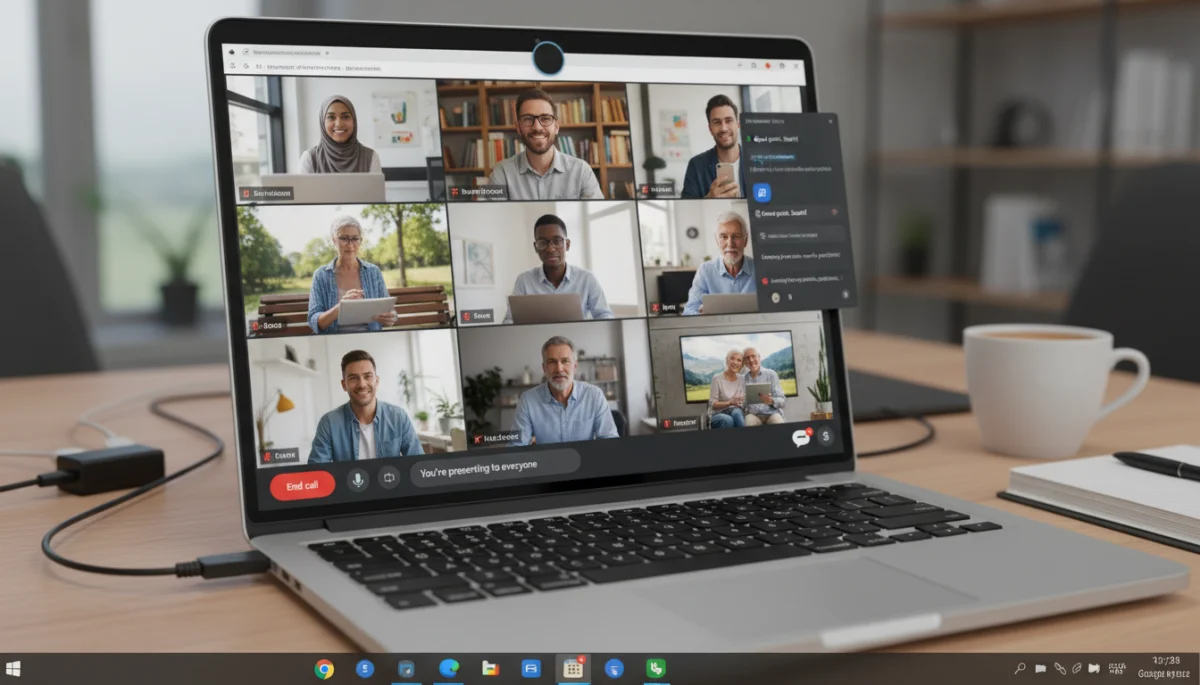
Choosing the Right Platform: Use Cases and Recommendations
Deciding between FaceTime and Google Meet ultimately depends on your specific communication needs, your device ecosystem, and the nature of your interactions. Both platforms excel in different areas, making them suitable for distinct use cases.
When to Opt for FaceTime
FaceTime is the undisputed champion for users deeply embedded in the Apple ecosystem. If most of your contacts own iPhones, iPads, or Macs, FaceTime offers an unparalleled, seamless, and high-quality experience with robust privacy features. It’s ideal for:
- Personal Calls with Family and Friends: Especially if everyone has an Apple device.
- Quick, Impromptu Chats: Easy to initiate from contacts or messages.
- Sharing Experiences: SharePlay revolutionizes how you interact during calls.
- Privacy-Conscious Individuals: End-to-end encryption is a significant advantage.
While its web-based access has expanded its reach, FaceTime still feels most at home when everyone is on an Apple device. For those rare occasions when you need to connect with an Android or Windows user, the invitation link works, but it’s not designed for regular cross-platform meetings.
When to Choose Google Meet
Google Meet is the superior choice for situations requiring broad compatibility, extensive collaboration features, and large group meetings across diverse devices and operating systems. It’s particularly well-suited for:
- Professional Business Meetings: With features like screen sharing, recording, and breakout rooms.
- Educational Settings: Facilitating virtual classrooms and group projects.
- Large-Scale Webinars or Presentations: Supporting many participants and advanced presentation tools.
- Mixed-Device Groups: When participants use a variety of phones, tablets, and computers.
- Users Without Apple Devices: Provides a robust, full-featured video conferencing solution irrespective of device.
Google Meet’s flexibility in invitations, combined with its accessibility and powerful collaboration tools, makes it the preferred platform for environments where universal access and productivity are key. Its integration with Google Workspace further enhances its appeal for organizations.
Future Trends in Video Conferencing
The landscape of video conferencing is constantly evolving, driven by technological advancements and changing user demands. Both FaceTime and Google Meet are continuously updated with new features, reflecting broader industry trends. Understanding these trends can offer insight into the future direction of these platforms.
Enhanced Immersive Experiences
One significant trend is the move towards more immersive and interactive communication. Features like FaceTime’s Spatial Audio and SharePlay are early examples of this. We can expect to see more integration of augmented reality (AR) and virtual reality (VR) to create more engaging meeting environments. Imagine virtual meeting rooms that mimic physical spaces or AR overlays that enhance presentations.
- AR/VR Integration: Creating more realistic and interactive virtual spaces.
- Haptic Feedback: Potentially adding tactile sensations to digital interactions.
- Advanced AI for Emotion Detection: Reading non-verbal cues to improve communication.
These advancements aim to reduce the cognitive load of virtual interactions and make remote communication feel more natural and personal, bridging the gap between physical and digital presence.
AI-Powered Assistance and Automation
Artificial intelligence is playing an increasingly vital role in video conferencing. Google Meet already uses AI for features like noise cancellation and live captions. Future developments will likely include more sophisticated AI assistants that can:
- Automate Meeting Summaries: Generating concise recaps of discussions and action items.
- Real-time Translation: Breaking down language barriers instantly.
- Intelligent Scheduling: Optimizing meeting times based on participant availability and time zones.
- Personalized Backgrounds: Dynamically adapting virtual backgrounds to user preferences or context.
These AI enhancements will not only streamline the meeting experience but also make it more efficient and accessible for a global audience, allowing participants to focus more on content and less on logistical details.
The future of video conferencing promises more personalized, intelligent, and seamless communication. Both FaceTime and Google Meet will undoubtedly continue to innovate, adapting to these trends to offer even richer and more effective ways for people to connect, collaborate, and share experiences, continually pushing the boundaries of what’s possible in virtual interaction.
| Feature | Description |
|---|---|
| Device Compatibility | FaceTime is Apple-centric with limited web access; Google Meet is universally cross-platform. |
| Invitation Options | FaceTime uses Apple contacts/links from Apple device; Google Meet uses versatile links and calendar invites. |
| Key Features | FaceTime offers SharePlay & Spatial Audio; Google Meet provides screen sharing, captions, and recording. |
| Security & Privacy | FaceTime uses end-to-end encryption; Google Meet uses strong encryption in transit and at rest. |
Frequently Asked Questions About Video Conferencing
Yes, non-Apple users can join a FaceTime call through a web browser if an Apple device user generates and shares an invitation link with them. However, they cannot initiate a FaceTime call themselves.
Google Meet offers a free tier for individual users with certain limitations on meeting duration and participant numbers. More advanced features and longer meeting times are available with Google Workspace subscriptions.
Google Meet is generally better for large business meetings due to its extensive collaboration features, broader participant capacity, and cross-platform compatibility, making it easier for diverse teams to join and interact.
Yes, FaceTime supports screen sharing through its SharePlay feature, allowing users to share their screen with others during a call. This is available for Apple device users.
FaceTime uses end-to-end encryption for all calls, ensuring high privacy. Google Meet encrypts data in transit and at rest with robust security measures, and offers enhanced security options for enterprise users.
Conclusion
The choice between FaceTime and Google Meet ultimately boils down to a clear understanding of your specific communication needs and the technological ecosystem you and your contacts inhabit. For those deeply entrenched in the Apple world, FaceTime offers a premium, secure, and intuitive experience, enhanced by unique features like SharePlay. Its recent web-based expansion provides a convenient bridge for occasional cross-platform interactions, though it remains primarily an Apple-centric service. Conversely, Google Meet stands out for its universal compatibility, robust collaboration tools, and flexible invitation options, making it an ideal solution for diverse groups, professional environments, and situations demanding broad accessibility. Both platforms are continually evolving, integrating advanced features and AI to enhance the user experience, but their fundamental design philosophies ensure they cater to distinct user bases. By evaluating their strengths in device compatibility, invitation methods, and feature sets, you can confidently select the video conferencing tool that best empowers your connections and collaborations.
