Discord for New Members: Choosing Communities & Understanding Rules
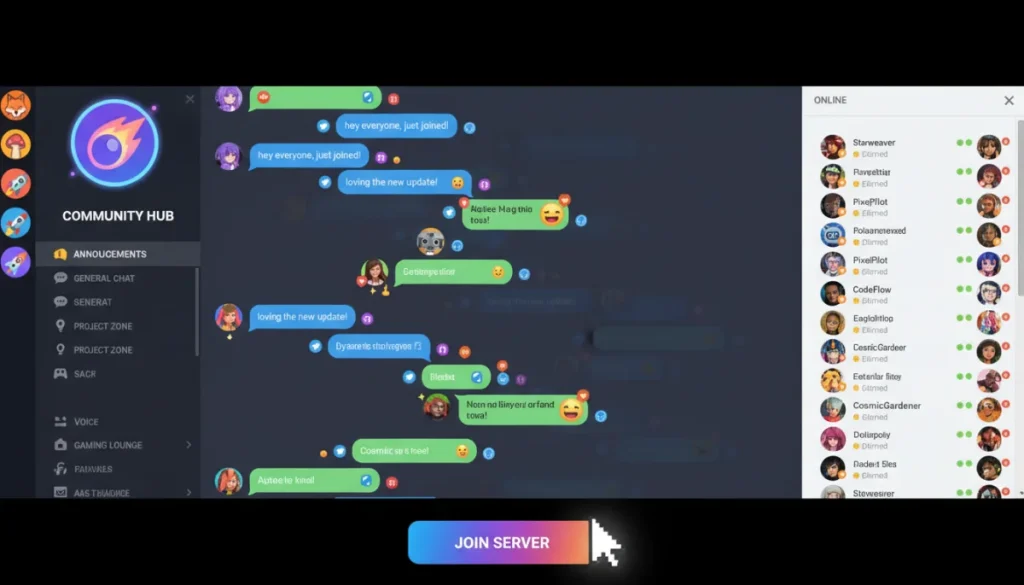
For new Discord users, understanding how to select suitable communities and adhere to server-specific rules is paramount for fostering positive interactions and ensuring a rewarding online experience.
Stepping into the vast world of Discord can feel like entering a bustling city – full of potential connections, vibrant discussions, and endless possibilities. For many, navigating this digital landscape for the first time requires a guide. This article will help you master Discord for new members: choosing communities and understanding server rules, ensuring your experience is both enjoyable and meaningful. We’ll explore how to find your perfect digital home and interact respectfully within its boundaries.
Embarking on your Discord journey: initial setup and exploration
Before diving into communities, setting up your Discord account correctly is the first crucial step. This involves more than just picking a username; it’s about establishing your digital identity and ensuring your privacy settings are aligned with your comfort level. A well-configured profile makes a good first impression and helps you connect with like-minded individuals more easily.
Understanding the basic interface is also vital. Discord’s layout, with its servers on the left, channels in the middle, and member list on the right, might seem overwhelming initially. However, familiarity with these elements will quickly become second nature, allowing you to navigate conversations and discover content efficiently. Take a moment to explore the different tabs and settings before committing to a server.
Creating your profile and privacy settings
Your Discord profile is your public face. Choose a unique username and consider adding a profile picture that represents you. This personal touch can make you more approachable in new communities. Equally important are your privacy settings. Discord offers robust options to control who can send you direct messages, add you as a friend, and see your activity status. Adjusting these settings from the outset can prevent unwanted interactions and ensure a safer experience.
- Choose a unique username: Reflect your personality or interests.
- Select a suitable avatar: A clear, friendly image is often best.
- Configure direct message settings: Decide who can DM you.
- Manage friend request permissions: Control who can send you requests.
Taking the time to personalize your profile and secure your privacy settings lays a strong foundation for your Discord journey. It empowers you to control your interactions and present yourself authentically within the platform, preparing you for the next step: finding the right communities.
Choosing your digital home: finding the right Discord communities
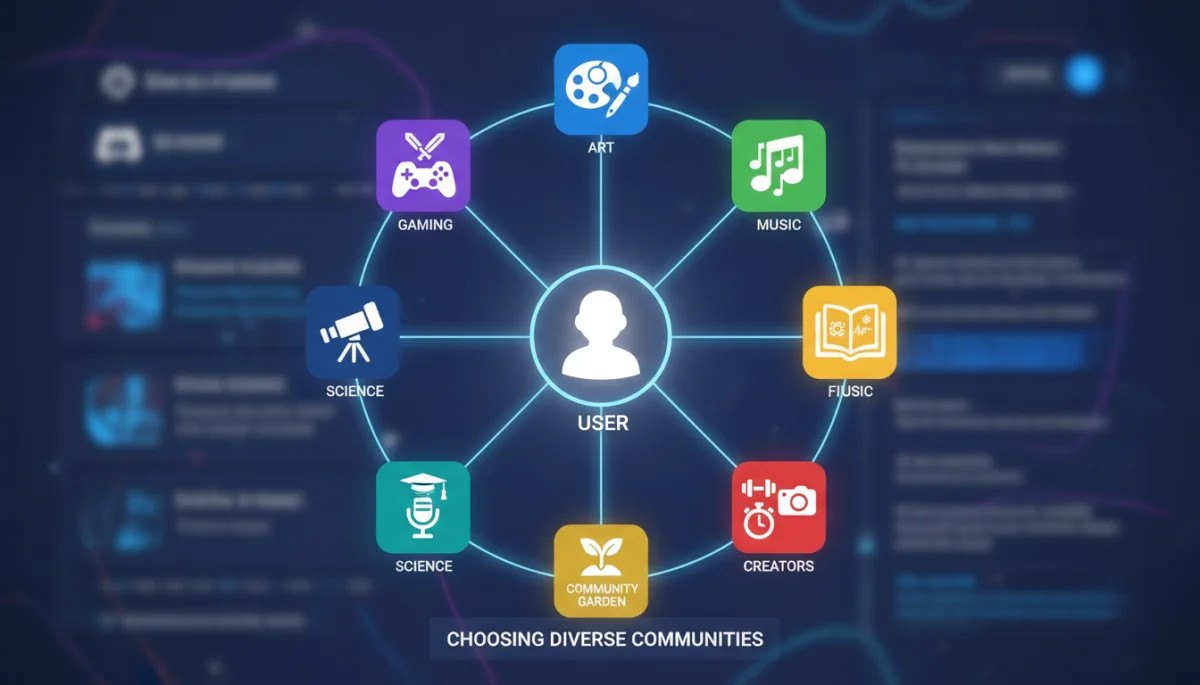
With millions of servers available, finding the right Discord communities can feel like searching for a needle in a haystack. The key is to approach this search strategically, focusing on your interests, goals, and the type of interaction you seek. Not all communities are created equal, and discerning the good from the great requires a bit of research and an understanding of what makes a server thrive.
The beauty of Discord lies in its diversity. From gaming guilds and study groups to art collectives and support networks, there’s a server for almost every niche imaginable. However, quality varies significantly. A good community fosters positive engagement, provides valuable content, and maintains a respectful environment. Looking for these traits will guide you to a more fulfilling experience.
Where to look for communities
There are several avenues for discovering new Discord servers. Official game websites, content creators’ social media, and dedicated server listing sites are excellent starting points. Many popular communities are also linked directly within related apps or platforms. Don’t be afraid to use Discord’s built-in ‘Explore Public Servers’ feature, though be prepared for a broader, less curated selection there.
- Official sources: Game developers, software companies, content creators.
- Server listing sites: Disboard.org, Top.gg, and others.
- Social media: Twitter, Reddit, YouTube often feature server invites.
- Friends’ recommendations: Personal invites from trusted contacts.
Once you’ve identified potential servers, don’t rush to join. Spend some time observing. Many servers have a guest period or dedicated channels for new members to get a feel for the community before fully participating. This observation period is invaluable for assessing whether the server’s vibe aligns with your expectations.
Decoding server culture: understanding unwritten rules and norms
Beyond the explicit rules listed in a server’s #rules channel, every Discord community possesses an unspoken culture – a set of unwritten rules and norms that dictate how members interact. Understanding this server culture is crucial for seamless integration and avoiding accidental missteps. It’s about learning the specific humor, communication style, and accepted behaviors of that particular group.
Server culture can manifest in various ways, from the types of memes shared to the preferred level of formality in conversations. Some communities are highly casual and embrace playful banter, while others maintain a more serious or focused tone. Recognizing these nuances allows you to adapt your interactions and contribute positively to the community’s dynamic.
Observing interaction patterns
The best way to decode server culture is through observation. Before actively participating, spend time reading through recent conversations in various channels. Pay attention to how members address each other, the common topics of discussion, and the general atmosphere. Are reactions positive or negative? Is humor prevalent, and if so, what kind?
- Read channel history: Review past messages to gauge the tone.
- Observe moderator interactions: How do they enforce rules and engage with members?
- Notice common emotes and slang: These are often unique to a server.
- Identify active times: When are most members engaged?
This observational phase helps you understand the community’s rhythm and expectations. It’s like being a guest in someone’s home; you wouldn’t immediately rearrange their furniture. Similarly, taking the time to understand the server’s established patterns ensures you contribute respectfully and effectively.
The bedrock of community: understanding and adhering to server rules
Server rules are the backbone of any well-functioning Discord community. They are explicit guidelines designed to maintain order, ensure a positive environment, and protect members from harassment or inappropriate content. For new members, reading and understanding these rules thoroughly is not just recommended, it’s mandatory for a successful and long-lasting presence within the server.
Ignoring server rules can lead to swift consequences, ranging from warnings to temporary bans or even permanent removal. These rules are put in place by server administrators and moderators to create a safe and enjoyable space for everyone. They reflect the values and expectations of the community, and abiding by them shows respect for both the leadership and your fellow members.
Common types of server rules
While rules vary from server to server, several common themes emerge across Discord communities. These often cover aspects like respectful communication, appropriate content sharing, and general conduct. Familiarizing yourself with these universal principles will prepare you for specific variations you encounter.
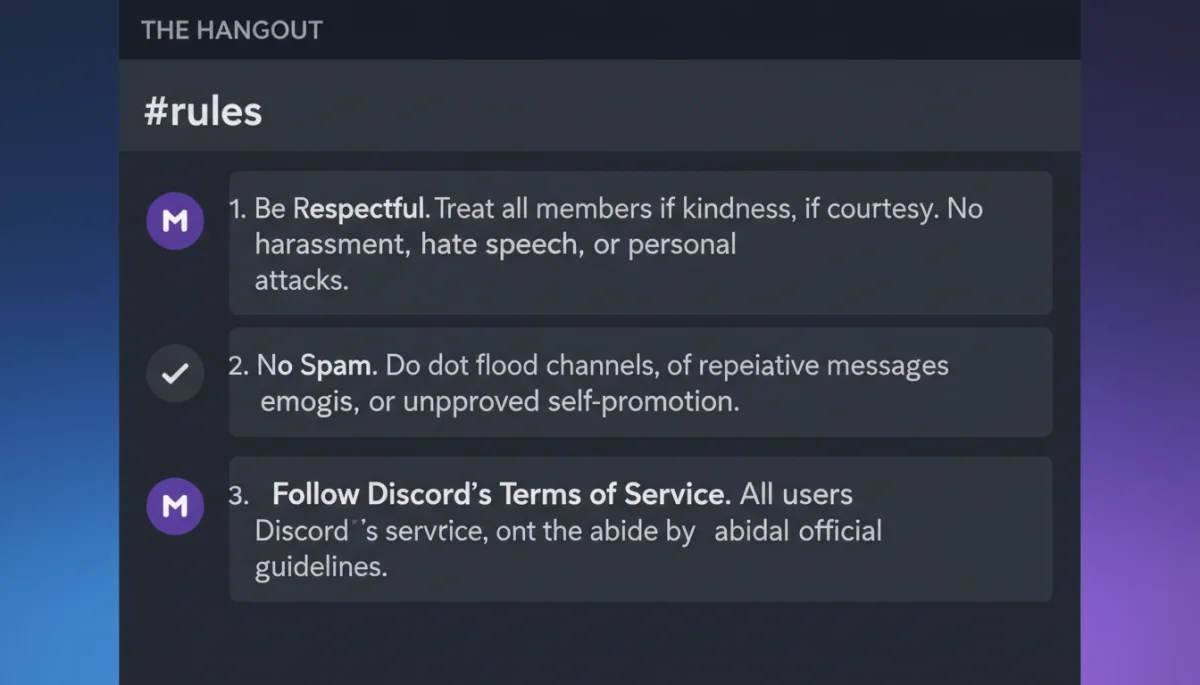
- Be respectful: No personal attacks, hate speech, or harassment.
- No spamming: Avoid excessive messages, unsolicited links, or self-promotion.
- Keep it SFW (Safe For Work): Often prohibits NSFW content unless explicitly allowed in designated channels.
- Follow channel topics: Post content relevant to the specific channel.
- No unauthorized advertising: Usually restricts promoting other servers or products.
Always locate the #rules channel – it’s typically one of the first channels you’ll see upon joining a new server. Read through every point carefully. If anything is unclear, don’t hesitate to ask a moderator for clarification. It’s better to ask than to inadvertently break a rule.
Navigating channels and roles: maximizing your Discord experience
Once you’ve grasped the server culture and rules, understanding channels and roles is the next step to fully integrating into a Discord community. Channels are the organized spaces where discussions happen, each typically dedicated to a specific topic. Roles, on the other hand, define a member’s status, permissions, and often their identity within the server, allowing for a structured and personalized experience.
Effectively navigating channels means knowing where to post specific types of content and where to find the discussions that interest you most. Roles can grant access to exclusive channels, change your display name color, or even provide moderation capabilities. Leveraging these features enhances your ability to participate and connect within the community.
Understanding channel categories and purposes
Servers often categorize channels to keep discussions organized. You might find categories like ‘General Chat,’ ‘Gaming Discussions,’ ‘Art Showcase,’ or ‘Support.’ Each channel within these categories will have a specific purpose. For example, #general might be for casual conversation, while #game-updates is strictly for news about a particular game.
- Text channels: For written communication and sharing links/images.
- Voice channels: For real-time audio communication, often used for gaming or group calls.
- Announcement channels: Read-only channels for server-wide updates.
- Bot commands channels: Dedicated spaces to interact with server bots.
Roles are assigned by server administrators and can be self-assigned in some servers via reaction roles. They often indicate a member’s interests, their status (e.g., ‘verified member,’ ‘VIP’), or their administrative permissions. Understanding what roles exist and what they signify can help you identify key members and understand the server’s hierarchy.
Engaging respectfully: best practices for new Discord members
Joining a new Discord server is an opportunity to connect, learn, and contribute. To make the most of this opportunity, engaging respectfully from the outset is paramount. This goes beyond simply following the rules; it involves active listening, thoughtful contribution, and a willingness to integrate into the existing social fabric of the community. Your initial interactions set the tone for your entire experience.
Being a respectful new member means understanding that you are entering an established space. Observe before you participate heavily, and when you do engage, aim to add value. Avoid dominating conversations, repeating questions that have already been answered, or bringing up controversial topics without proper context. Your goal should be to become a valued part of the community.
Making a positive first impression
Your first few messages in a new server are crucial. Introduce yourself if there’s an #introductions channel, or simply start by responding to existing conversations in a relevant channel. Ask thoughtful questions, share relevant insights, and be genuinely interested in what others have to say. Avoid overly aggressive or demanding language.
- Introduce yourself politely: If an intro channel exists, use it.
- Engage with existing discussions: Start by adding to current topics.
- Ask clarifying questions: Shows interest and helps you learn.
- Offer help or insights: Contribute positively when you have something valuable to share.
Remember that building rapport takes time. Be patient, consistent, and authentic in your interactions. Over time, as you contribute positively and consistently, you will naturally become a recognized and respected member of the community, fostering genuine connections and enjoying all that Discord has to offer.
Troubleshooting and support: what to do when things go wrong
Even with the best intentions and careful adherence to rules, issues can occasionally arise on Discord. Whether it’s a technical glitch, a misunderstanding with another member, or a concern about inappropriate content, knowing how to troubleshoot common problems and access support is vital for new members. Proactive problem-solving ensures your Discord experience remains positive and secure.
Discord provides various mechanisms for reporting issues, both within individual servers and to Discord itself. Familiarizing yourself with these options before you need them can save you stress and help maintain the integrity of the communities you join. Remember, you are not alone in facing challenges, and there are resources available to assist you.
Addressing common issues and seeking help
If you encounter a technical problem, such as voice chat not working or messages not sending, first check Discord’s official status page or community forums. Many common issues have straightforward solutions. For server-specific problems, like a rule violation by another member, the first point of contact should always be the server’s moderation team.
- Check Discord status page: For widespread outages or issues.
- Consult server moderators: For rule violations, harassment, or disputes within a server.
- Utilize Discord’s support team: For account issues, severe abuse, or platform-wide concerns.
- Review Discord’s safety guidelines: Understand reporting mechanisms for serious incidents.
When reporting an issue, provide clear and concise details, including screenshots or relevant message links if possible. Remain calm and factual. Discord and server moderators are there to help ensure a safe and enjoyable environment, and your cooperation in reporting issues responsibly contributes to a healthier platform for everyone.
| Key Aspect | Brief Description |
|---|---|
| Choosing Communities | Prioritize interests, observe server culture, and use reliable sources like official sites or friends’ recommendations. |
| Understanding Server Rules | Thoroughly read and adhere to explicit rules in the #rules channel to ensure respectful interactions and avoid penalties. |
| Engaging Respectfully | Make a positive first impression by introducing yourself, engaging thoughtfully, and contributing constructively to discussions. |
| Navigating Channels & Roles | Learn channel purposes and role significances to optimize participation and access within the server. |
Frequently asked questions about Discord for new members
Start by using Discord’s ‘Explore Public Servers’ feature, or look for official servers linked by content creators, game developers, or communities you already follow on other platforms. Server listing websites like Disboard.org are also excellent resources for specific niches.
Upon joining, immediately locate and read the #rules channel to understand the server’s guidelines. Many servers also have an #introductions channel where you can politely introduce yourself. Take some time to observe conversations before actively participating.
Consequences vary by server and the severity of the rule broken. Minor infractions might result in a warning, while more serious violations could lead to a temporary mute, kick, or even a permanent ban. It’s best to apologize, learn from the mistake, and clarify any confusion with moderators.
Look for recent messages in various channels and note the number of active members. A welcoming community often has an #introductions channel, friendly moderators, and clear, respectful communication. Observing for a few days can give you a good sense of the server’s vibe.
Generally, it’s best to avoid sharing sensitive personal information like your full name, address, or phone number on Discord. While communities can be friendly, always prioritize your privacy and security. Only share what you are comfortable with in trusted private conversations.
Conclusion
Navigating Discord as a new member can initially seem daunting, but by strategically choosing communities that align with your interests and diligently understanding server rules, you set yourself up for a rich and rewarding online experience. The platform’s potential for connection and community is immense, provided you approach it with respect, curiosity, and a willingness to engage thoughtfully. By following these guidelines, you can transform your Discord journey from a mere exploration into a vibrant participation, fostering genuine connections and finding your place within its diverse digital landscape.
