Live Captions in Video Calls: Availability, Limitations, Settings
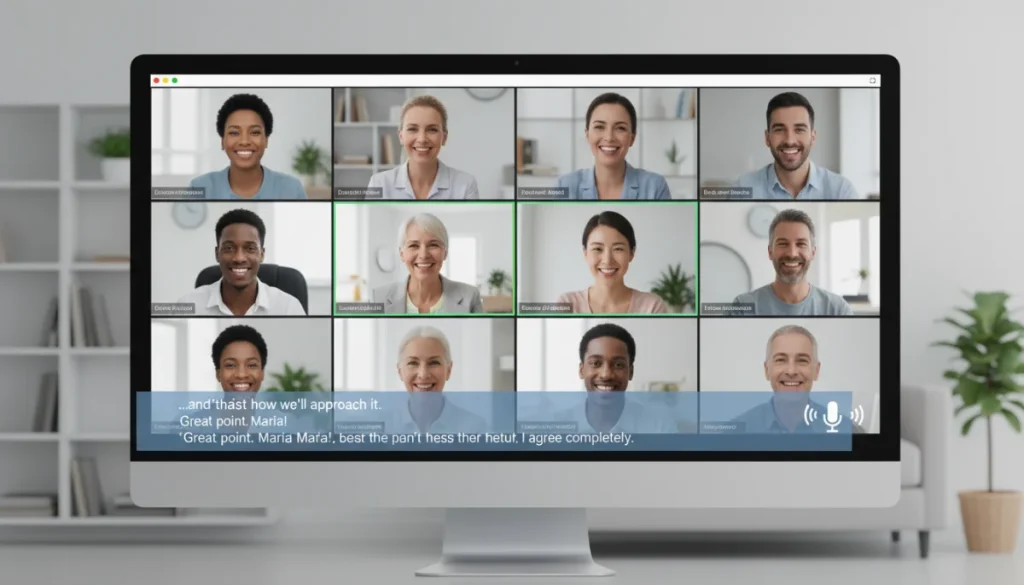
Live captions in video calls significantly improve accessibility and understanding for diverse participants, detailing their current availability across platforms, common limitations, and how to optimize settings for the best user experience.
In an increasingly interconnected world, the ability to communicate effectively during virtual meetings is paramount. Live captions in video calls have emerged as a powerful tool to bridge communication gaps, offering real-time transcriptions that benefit a wide array of users. From enhancing accessibility for the hearing-impaired to aiding comprehension in noisy environments or for non-native speakers, these dynamic text overlays are transforming how we interact online. Understanding their availability, inherent limitations, and how to fine-tune their settings is crucial for maximizing their potential in professional and personal contexts.
Understanding Live Captions: The Basics and Their Importance
Live captions represent a technological leap in digital communication, providing instantaneous text versions of spoken words during live video calls. This feature is not just a convenience; it’s a critical component of inclusive communication, ensuring that all participants, regardless of their hearing abilities or language proficiency, can fully engage in conversations. The core mechanism involves advanced speech-to-text algorithms that process audio in real-time and display it as text on the screen.
The importance of live captions extends beyond mere transcription. They foster an environment of inclusivity, allowing individuals with hearing impairments to follow discussions without relying solely on auditory cues. Furthermore, they can be invaluable for participants in noisy environments, those with different accents, or individuals whose first language is not the primary language of the call. By providing a visual aid, captions reduce misunderstandings and improve overall communication clarity.
How Live Captioning Works
At its heart, live captioning relies on sophisticated artificial intelligence and machine learning models. These systems are trained on vast datasets of spoken language to recognize words, phrases, and even differentiate between speakers. When you speak during a video call, your audio is sent to these algorithms, which then convert it into text almost instantaneously. This text is then displayed on your screen and often on the screens of other participants, depending on the platform and settings.
- Speech Recognition: Advanced AI models continuously listen to and interpret spoken words.
- Contextual Understanding: Algorithms attempt to understand the context to improve accuracy and punctuation.
- Real-time Display: The transcribed text appears on the screen with minimal delay, usually within a few seconds of the words being spoken.
- Speaker Identification: Some platforms can even identify different speakers, attributing captions to the correct person.
While the technology is impressive, it’s constantly evolving. Early versions of live captioning were often riddled with errors, but continuous improvements in AI have led to significantly higher accuracy rates. This ongoing development is critical for the feature to remain a reliable communication tool.
In essence, live captions are a testament to how technology can be harnessed to create more equitable and effective communication spaces. They empower users by providing an alternative, visual pathway to information, thus enhancing engagement and understanding in diverse virtual settings. Recognizing their fundamental operation helps users appreciate both their capabilities and their occasional limitations.
Current Availability Across Major Video Conferencing Platforms
The adoption of live captions has become widespread across leading video conferencing platforms, each offering its own implementation and feature set. While the core functionality remains consistent—converting speech to text in real-time—the specifics of how these captions are accessed, configured, and their overall accuracy can vary significantly. Understanding these differences is key to choosing the right platform for your accessibility needs.
Major players like Zoom, Microsoft Teams, Google Meet, and Webex have all integrated live captioning, recognizing its importance for a global and diverse user base. This widespread availability means that most users will encounter this feature regardless of their preferred platform, though the quality and options might differ.
Zoom’s Live Transcription Feature
Zoom, one of the most popular platforms, offers a robust live transcription service. Hosts can enable live transcription, which then appears at the bottom of the meeting window for all participants who choose to view it. Zoom’s system is generally accurate, especially in clear audio environments, and supports multiple languages. Users can also view a full transcript in a side panel, which is helpful for reviewing past discussions.
- Enabling: Host-controlled, available via meeting settings.
- Languages: Supports numerous languages, though English is the most refined.
- View Options: Displayed directly on screen or as a full transcript.
- Customization: Limited customization for font size and display.
The ease of enabling and accessing captions in Zoom has made it a go-to for many organizations prioritizing accessibility. However, its accuracy can be impacted by background noise or multiple speakers talking simultaneously.
Microsoft Teams’ Live Captions
Microsoft Teams provides live captions that are automatically generated during meetings. This feature is particularly well-integrated into the Microsoft ecosystem and benefits from Microsoft’s extensive AI research. Teams’ captions are known for their ability to identify speakers, which adds a layer of clarity to conversations, especially in larger meetings.
Users can toggle captions on and off individually, giving them control over their viewing experience. Teams also offers the option to view a full transcript after the meeting, which can be useful for meeting summaries and record-keeping.
Google Meet’s Captioning Capabilities
Google Meet’s live captions are often praised for their simplicity and effectiveness. With a single click, users can enable captions that appear at the bottom of the screen. Google leverages its powerful speech recognition technology, which is frequently updated, to deliver highly accurate transcriptions. Like other platforms, Google Meet supports multiple languages, making it a versatile tool for international communication.
The captions in Google Meet are designed to be unobtrusive and easy to read, adapting to various screen sizes and resolutions. This focus on user experience ensures that captions enhance, rather than detract from, the meeting experience.
Other Platforms and Their Offerings
Beyond these giants, platforms like Webex and BlueJeans also provide live captioning. Webex offers real-time transcription with speaker identification, similar to Teams, and allows for post-meeting transcript access. BlueJeans integrates with third-party captioning services for higher accuracy and professional-grade accessibility, catering to specific enterprise needs.
The landscape of live caption availability is dynamic, with platforms continually refining their offerings. While the fundamental benefit of real-time transcription remains, users should explore the specific nuances of each platform to determine which best fits their individual or organizational requirements, especially concerning language support and accuracy.
Common Limitations and Challenges of Live Captions
While live captions have revolutionized accessibility in video calls, they are not without their limitations. Understanding these challenges is essential for users to manage expectations and implement strategies to mitigate potential issues. The technology, while advanced, is still subject to real-world variables that can impact its performance and reliability.
These limitations often stem from the inherent complexities of human speech, diverse audio environments, and the current capabilities of speech-to-text AI. Recognizing these areas helps users appreciate the effort required to make live captions as effective as they are.
Accuracy and Misinterpretation
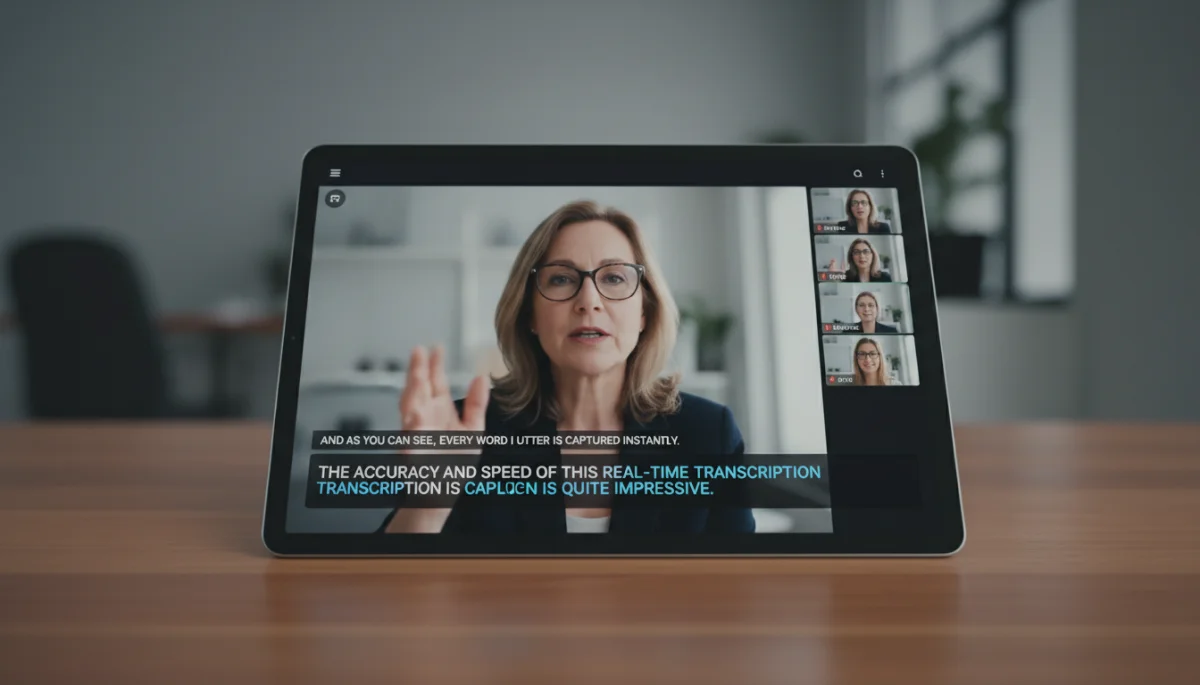
One of the primary challenges is the accuracy of the transcription. While AI has made significant strides, it can still struggle with:
- Accents and Dialects: Non-standard accents or regional dialects can be difficult for the AI to process accurately.
- Background Noise: Ambient sounds, such as traffic, music, or other conversations, can interfere with speech recognition, leading to errors.
- Multiple Speakers: When several people speak simultaneously, the AI often struggles to differentiate voices and accurately transcribe each person’s words, resulting in garbled or incomplete captions.
- Technical Jargon: Specialized terminology, acronyms, or proper nouns that are not commonly found in the AI’s training data can be incorrectly transcribed.
These inaccuracies can lead to misunderstandings, especially in critical discussions where precise language is vital. Users must be aware that captions are a helpful aid but not always a perfect representation of spoken content.
Latency and Synchronization Issues
Live captions, by their nature, involve a slight delay between when words are spoken and when they appear on screen. This latency, while often minimal, can sometimes be noticeable and disrupt the flow of conversation. If the delay is too long, it can make it difficult for participants to follow along in real-time, especially in fast-paced discussions.
Synchronization issues can also arise where captions might not perfectly align with the speaker’s current words, leading to a disjointed experience. This is particularly problematic in presentations where visual cues and spoken words need to match precisely.
Language Support and Translation
While many platforms offer multi-language support, the quality and accuracy of captions in languages other than English can vary. English often receives the most extensive training data, leading to superior performance. For less common languages or specific dialects, the transcription accuracy might be significantly lower.
Furthermore, live translation capabilities, where captions are displayed in a different language than the one spoken, are still in their nascent stages. While some platforms offer this, it’s often an experimental feature with varying degrees of success, far from the seamless, real-time translation needed for truly global communication.
Resource Consumption and Performance
Generating live captions requires significant processing power, both on the server-side and sometimes on the user’s device. This can lead to increased CPU usage, potentially affecting the overall performance of the video call, especially on older or less powerful hardware. Users might experience:
- Increased Latency: Slower devices or network connections can exacerbate caption delay.
- Battery Drain: Mobile devices running live captions might experience faster battery depletion.
- Network Bandwidth: While not as significant as video, the data stream for captions adds to bandwidth usage.
These performance considerations can be a limiting factor for some users, particularly in environments with constrained resources. Despite these challenges, ongoing research and development aim to make live captioning more accurate, faster, and less resource-intensive, continuously pushing the boundaries of what’s possible in real-time communication.
Useful Settings and Customization Options
Optimizing your live caption experience often involves delving into the settings and customization options provided by each video conferencing platform. While the default settings might be sufficient for basic use, personalizing them can significantly enhance readability, accessibility, and overall user satisfaction. These settings typically allow users to adjust visual aspects, language preferences, and sometimes even the level of detail displayed.
Taking a few moments to explore these options can transform a mediocre caption experience into a highly effective one, tailored to individual needs and environmental conditions.
Adjusting Caption Display and Appearance
Most platforms offer various options to customize how captions appear on your screen. These adjustments are crucial for ensuring readability and minimizing visual fatigue, especially during long meetings.
- Font Size: Increasing or decreasing the font size can make captions easier to read for those with visual impairments or on smaller screens.
- Font Color and Style: Some platforms allow changes to font color and style, which can improve contrast against different backgrounds.
- Background Transparency: Adjusting the transparency of the caption background can prevent it from obscuring important visual content on the screen.
- Position: While often fixed at the bottom, some platforms might offer options to move captions to a different part of the screen.
Experimenting with these settings can make a substantial difference in how comfortable and effective you find the captions to be. A well-configured caption display can significantly reduce strain and improve comprehension.
Language Selection and Translation Features
For multilingual environments, the ability to select the caption language is paramount. Many platforms support multiple input languages, allowing the AI to better understand and transcribe spoken words in that specific language. Furthermore, some platforms are beginning to offer real-time translation features, though these are typically still in beta or premium tiers.
When participating in an international call, ensure you and other participants have selected the correct spoken language in the caption settings to maximize accuracy. If translation is available, consider its accuracy and potential latency before relying on it for critical communications.
Enabling and Disabling Captions
The process for enabling and disabling live captions is generally straightforward across platforms, often involving a single click or a simple menu selection. For hosts, there might be additional controls to manage captioning for all participants, such as allowing or disallowing individual users to turn them on.
It’s good practice to familiarize yourself with these controls before a meeting, especially if you anticipate needing captions or if you are hosting a meeting where accessibility is a priority. Knowing how to quickly toggle them on or off can save time and reduce distractions during a call.

Advanced Settings and Third-Party Integrations
Some platforms, particularly those catering to enterprise users, offer more advanced settings or integrations with third-party captioning services. These can include:
- Professional Human Captioning: For events requiring 100% accuracy, integration with live human captioners can be arranged, though this typically comes at a cost.
- Glossary Customization: Some advanced systems allow users to upload custom glossaries of technical terms or proper nouns to improve transcription accuracy.
- API Access: Developers can sometimes access APIs to build custom captioning solutions or integrate with existing accessibility tools.
While these advanced options might not be relevant for every user, they highlight the growing sophistication and flexibility available in the live captioning ecosystem. Exploring and customizing these settings ensures that live captions serve as a powerful and personalized tool, enhancing communication for everyone involved in a video call.
Best Practices for Maximizing Caption Accuracy
Achieving high accuracy in live captions is not solely dependent on the technology; user practices play a significant role. By adopting certain best practices, participants can significantly improve the quality of real-time transcriptions, making video calls more effective and accessible for everyone. These practices often involve optimizing audio input and fostering clear communication habits.
Even the most advanced AI can struggle with poor audio quality or chaotic speaking patterns, so proactive measures from users are essential to get the most out of live captioning features.
Clear and Articulate Speech
The most fundamental factor influencing caption accuracy is the clarity of speech. Speaking clearly, at a moderate pace, and articulating words distinctly provides the AI with the best possible audio input. Avoid mumbling or speaking too quickly, as this can easily confuse the transcription engine.
- Moderate Pace: Speak at a natural, unhurried pace, allowing the AI time to process each word.
- Clear Articulation: Enunciate words clearly, avoiding slurring or dropping word endings.
- Consistent Volume: Maintain a steady speaking volume to prevent the AI from missing quieter words or being overwhelmed by sudden loud bursts.
Encouraging all participants to adopt these speaking habits will collectively improve the accuracy of captions for the entire meeting.
Minimizing Background Noise
Background noise is a significant impediment to accurate captioning. AI models are trained to focus on human speech, but extraneous sounds can be misinterpreted as speech or simply obscure the actual words being spoken. To minimize interference:
- Quiet Environment: Conduct calls in a quiet room, away from distractions like televisions, music, or other conversations.
- Headsets with Noise Cancellation: Using a good quality headset with a noise-canceling microphone can drastically reduce background noise picked up by your device.
- Mute When Not Speaking: Encourage all participants to mute their microphones when they are not actively speaking, especially in larger groups.
These simple steps can dramatically improve the signal-to-noise ratio, leading to much cleaner and more accurate captions.
Using High-Quality Microphones
The quality of your microphone directly impacts the audio input the captioning AI receives. Built-in laptop microphones are often sufficient, but an external USB microphone or a high-quality headset microphone will generally provide superior sound clarity. Better microphones:
- Capture Voice More Clearly: They are designed to pick up speech more effectively than ambient sounds.
- Reduce Distortion: High-quality microphones minimize audio distortion, presenting a cleaner signal to the AI.
- Improve Directionality: Many external microphones are directional, focusing on your voice and reducing sounds from other directions.
Investing in a decent microphone, especially for frequent video call users, can be a worthwhile investment for both overall audio quality and caption accuracy.
Speaker Identification and Turn-Taking
While some platforms offer speaker identification, it’s not always perfect. To aid both human comprehension and AI accuracy, encourage clear turn-taking in conversations. Avoiding interruptions and allowing one person to finish speaking before another begins helps the AI process individual contributions more effectively.
If speaker identification is crucial, consider using features that allow participants to raise their hand virtually or adhere to a speaking order. This structured approach reduces the chances of garbled captions due to overlapping speech. By consciously improving audio input and communication habits, users can significantly enhance the reliability and utility of live captions in their video calls, fostering a more inclusive and productive environment for everyone.
Future Trends and Developments in Live Captioning
The field of live captioning is rapidly evolving, driven by advancements in artificial intelligence, machine learning, and the ever-increasing demand for accessible communication. The future promises even more sophisticated and seamless experiences, pushing the boundaries of what real-time transcription and translation can achieve. These developments will further integrate captions into our digital lives, making communication even more inclusive and efficient.
Anticipated trends focus on improving accuracy, expanding language capabilities, and enhancing the overall user experience, moving towards a future where communication barriers are minimized.
Enhanced Accuracy and Contextual Understanding
Future AI models will likely exhibit even greater accuracy, particularly in challenging environments. This will include better handling of:
- Complex Accents: AI will become more adept at understanding a wider range of accents and dialects.
- Domain-Specific Language: Improved recognition of technical jargon and specialized vocabulary across various industries.
- Speaker Diarization: More precise identification of who is speaking, even in rapid-fire conversations.
- Emotional Nuance: Potential for AI to recognize and convey the emotional tone of speech, adding another layer of context to captions.
These advancements will lead to captions that are not only accurate but also rich in context, providing a more complete understanding of the conversation.
Advanced Multilingual Capabilities and Real-time Translation
One of the most exciting areas of development is in multilingual support and real-time translation. Imagine participating in a video call where each participant speaks their native language, and live captions translate and display the conversation in your preferred language instantly. While challenging, this vision is becoming increasingly feasible.
Future systems will offer:
- Seamless Language Switching: Effortless transitions between spoken languages and caption languages.
- Higher Translation Quality: More natural and contextually accurate translations, moving beyond literal word-for-word interpretation.
- Personalized Language Profiles: Users could set their preferred input and output languages, making international calls more accessible.
This will truly break down language barriers, fostering global collaboration and understanding on an unprecedented scale.
Integration with Augmented Reality (AR) and Virtual Reality (VR)
As AR and VR technologies become more mainstream, live captions are expected to integrate seamlessly into these immersive environments. Imagine captions floating in your field of view during a VR meeting, or appearing as contextual overlays in an AR collaborative space. This could revolutionize how we interact in virtual worlds, making them accessible to a broader audience.
Potential applications include:
- Spatial Captions: Captions appearing near the virtual avatar of the speaker in a VR environment.
- Interactive Overlays: AR captions that can be manipulated, resized, or moved within a real-world view.
- Enhanced Learning: Educational VR experiences where captions provide instant clarification or translation.
This integration will provide new dimensions to accessibility, blending digital information with physical or virtual spaces in innovative ways.
Customization and Personalization
Future captioning systems will offer even greater levels of customization. Users will have more granular control over:
- Visual Styles: Extensive options for fonts, colors, sizes, and animations to match individual preferences or brand guidelines.
- Content Filtering: Ability to filter out filler words or non-essential conversational elements for a more concise caption display.
- Personalized Glossaries: AI models that learn and adapt to a user’s specific vocabulary and speaking patterns over time.
These personalization features will ensure that live captions are not just functional but also perfectly tailored to each user’s unique needs, further enhancing their utility and user satisfaction in the evolving landscape of digital communication.
Ethical Considerations and Data Privacy
As live captioning technology becomes more prevalent and sophisticated, it also brings forth a host of ethical considerations and data privacy concerns. The very nature of speech-to-text conversion involves processing sensitive audio data, raising questions about how this data is handled, stored, and protected. Addressing these concerns is crucial for building trust and ensuring responsible technology deployment.
Platforms and users alike must be vigilant in understanding the implications of using live captions, particularly regarding who has access to the transcribed content and for what purposes.
Data Collection and Usage Policies
When you use live captions, your spoken words are converted into text, and this data is processed by the platform’s AI. It’s essential to understand each platform’s data collection and usage policies:
- Anonymization: Is the audio data anonymized before being used for AI training?
- Retention: How long is the audio or transcribed text stored, and for what purpose?
- Third-Party Access: Are third-party vendors involved in the captioning process, and what are their data handling practices?
Users should review the privacy policies of their chosen video conferencing tools to ensure they are comfortable with how their voice data is being managed. Transparency from platform providers is key to addressing these concerns.
Security of Transcribed Content
The transcribed content, especially in professional or sensitive meetings, can contain confidential information. Ensuring the security of this text data is paramount. Platforms must implement robust encryption and access controls to prevent unauthorized access or data breaches.
Consider whether the captions are processed on local devices or cloud servers. Cloud-based processing, while efficient, requires strong security measures to protect data in transit and at rest. Users should also be mindful of sharing meeting transcripts, ensuring they are only distributed to authorized individuals.
Consent and Notification
In many jurisdictions, recording or transcribing conversations without explicit consent can have legal implications. While live captions are often for immediate display and not necessarily recorded, the underlying audio processing still occurs. Best practices suggest that participants should be informed when live captioning is active.
- Host Responsibility: Meeting hosts should ideally announce at the beginning of a call that live captions are enabled.
- Platform Notifications: Many platforms now display a clear indicator when captions are active, informing all participants.
- Opt-Out Options: Users should have the ability to opt-out of having their speech processed for captioning, if desired, although this might disable the feature for them.
Clear communication and consent mechanisms are vital for respecting individual privacy rights and fostering a trustworthy communication environment.
Bias in AI and Fairness
AI models, including those used for speech-to-text, can sometimes inherit biases present in their training data. This can lead to:
- Lower Accuracy for Certain Demographics: Captions might be less accurate for speakers with specific accents, genders, or racial backgrounds if these groups are underrepresented in the training data.
- Misinterpretation of Speech Patterns: AI might struggle with unique speech patterns or communication styles.
Addressing these biases requires continuous effort from AI developers to diversify training datasets and implement fairness metrics. Users should be aware that such biases can exist and might affect the reliability of captions for certain individuals, reinforcing the need for ongoing vigilance and improvement in the technology.
| Key Aspect | Description |
|---|---|
| Availability | Widely available on platforms like Zoom, Teams, and Google Meet, with varying features. |
| Limitations | Accuracy issues with accents, background noise, multiple speakers, and technical jargon. |
| Useful Settings | Customizable font size, color, background, and language selection for better readability. |
| Best Practices | Speak clearly, minimize background noise, use quality microphones, and encourage turn-taking. |
Frequently Asked Questions About Live Captions
While significantly improved, live captions are not always 100% accurate. Factors like accents, background noise, multiple speakers, and technical jargon can affect their precision. Users should consider them a helpful aid, but not a perfect transcription.
Most major platforms, including Zoom, Microsoft Teams, and Google Meet, offer live captioning. Each platform has its own implementation, features, and level of accuracy, so it’s advisable to check the specific options for your preferred tool.
Yes, most platforms provide customization options. You can typically adjust the font size, color, and background transparency of the captions to enhance readability and ensure they don’t obstruct other content on your screen during the call.
Many platforms support multiple languages for captioning, improving accuracy for non-English speakers. Real-time translation is an emerging feature, available on some platforms, though its accuracy and availability can vary and are continuously being refined.
To improve accuracy, speak clearly and at a moderate pace, minimize background noise, use a high-quality microphone, and encourage participants to take turns speaking. These actions provide the AI with cleaner audio input, leading to better transcriptions.
Conclusion
Live captions have undeniably transformed the landscape of video communication, moving from a niche accessibility feature to an indispensable tool for diverse users. While their availability across major platforms is robust, understanding their inherent limitations—such as occasional accuracy issues, latency, and varying language support—is crucial for effective utilization. By leveraging customization settings and adopting best practices like clear speech and noise reduction, users can significantly enhance the quality and reliability of these real-time transcriptions. As AI technology continues to advance, the future promises even greater accuracy, seamless multilingual capabilities, and innovative integrations with emerging technologies like AR and VR, further blurring communication barriers. However, these advancements must be balanced with careful consideration of ethical implications and data privacy, ensuring that the benefits of live captioning are realized responsibly and inclusively for everyone.
