Messaging App Backups: Essential Questions Before Saving Chats
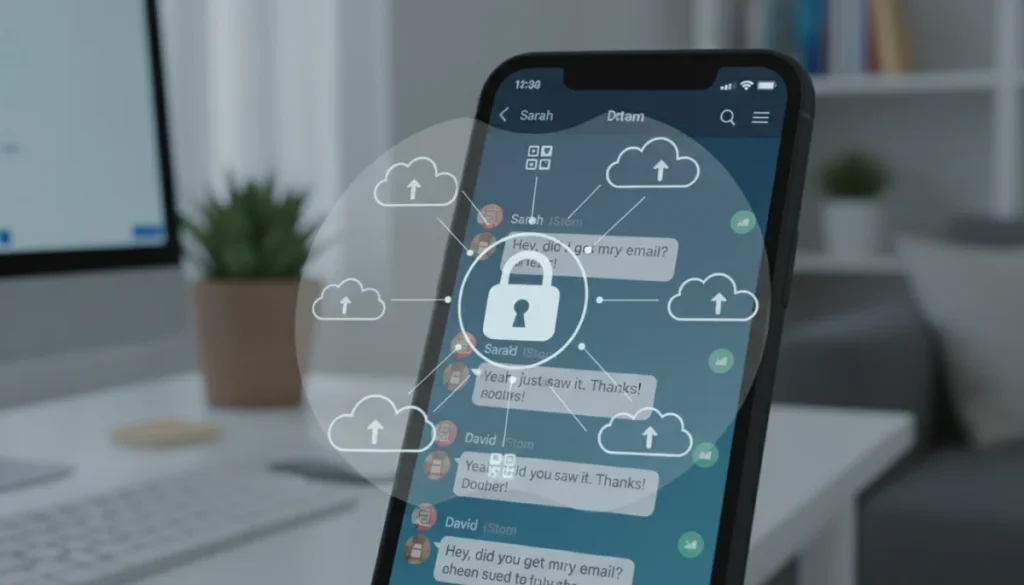
Understanding the nuances of messaging app backups is crucial for safeguarding your digital conversations, encompassing vital considerations like data encryption, storage location, and ease of recovery to ensure your chat history remains secure and accessible.
In our increasingly digital world, messaging apps have become the backbone of personal and professional communication. From sharing everyday moments with loved ones to collaborating on critical projects, our chat histories hold a wealth of valuable information. This is why understanding messaging app backups: questions to ask before saving your chat history is not just a convenience, but a necessity for digital hygiene and peace of mind. Without proper consideration, you might inadvertently expose sensitive data or lose irreplaceable memories.
Why messaging app backups are critical for digital life
Our digital conversations are more than just text; they are a repository of memories, important decisions, and sensitive information. Losing these chats due to a lost phone, a software glitch, or a device upgrade can be devastating. Messaging app backups provide a safety net, ensuring that your digital footprint remains intact and accessible when you need it most. However, the process of backing up isn’t always straightforward, and neglecting key questions can lead to unforeseen issues down the line.
Many users assume that their chat history is automatically secured, but this isn’t always the case. Different apps offer varying levels of backup functionality, and understanding these differences is paramount. From end-to-end encrypted conversations to media files and documents shared within chats, the scope of what gets backed up can vary significantly. Being proactive about your backup strategy means taking control of your data, rather than leaving it to chance.
The risk of data loss and privacy concerns
- Device failure: Smartphones are prone to damage, loss, or technical malfunctions, any of which can lead to immediate data loss.
- Accidental deletion: It’s easy to accidentally delete important chats or even entire app data, making recovery impossible without a recent backup.
- Privacy breaches: Unsecured backups can be vulnerable to cyberattacks, exposing your private conversations to unauthorized access.
- App migration: Switching to a new phone or a different messaging app without a proper backup plan can result in the permanent loss of chat history.
Ultimately, a robust backup strategy for your messaging apps is an essential component of modern digital literacy. It’s about more than just data recovery; it’s about preserving your personal history and maintaining control over your digital identity. By asking the right questions upfront, you can ensure that your precious conversations are protected against unforeseen circumstances.
Understanding encryption and data security in backups
When considering messaging app backups, encryption and data security should be at the forefront of your concerns. Many messaging apps pride themselves on end-to-end encryption for live conversations, meaning only the sender and receiver can read the messages. However, this level of security often doesn’t extend automatically to backups. The moment your chat history leaves the app’s immediate environment and is stored elsewhere, its security posture can change dramatically.
It’s crucial to differentiate between in-transit encryption (while data is being sent) and at-rest encryption (while data is stored). A backup might be encrypted during transfer to a cloud service but then stored unencrypted once it reaches its destination. This distinction is vital for protecting sensitive information, as an unencrypted backup can become a significant vulnerability. Always investigate how your chosen messaging app handles backup encryption.
Questions about backup encryption
- Is the backup encrypted end-to-end? Some apps offer this, meaning only you can access the content, even if the storage provider wanted to.
- Where is the encryption key stored? If the key is stored with the backup provider, it could potentially be accessed by them.
- What type of encryption is used? Strong, modern encryption standards (e.g., AES-256) are preferable.
- Can I use my own encryption key? Advanced users might prefer to manage their own keys for maximum security.
Understanding these technical aspects might seem daunting, but it’s a necessary step to ensure your personal conversations don’t fall into the wrong hands. A backup that isn’t properly secured can undermine all the privacy efforts made during live communication, turning a protective measure into a potential liability. Always prioritize apps that offer robust, user-controlled encryption for their backup features.
Where are your chat backups stored, and who has access?
The physical or virtual location of your messaging app backups is a critical factor in understanding their security and accessibility. Most messaging apps offer backup solutions to cloud services like Google Drive, iCloud, or their own proprietary servers. Each option comes with its own set of advantages and disadvantages regarding storage capacity, cost, and, most importantly, security and privacy policies.
For instance, backing up to a personal cloud service like Google Drive or iCloud means your chat history is subject to the terms and conditions of that service provider. This could mean that, under certain legal circumstances, these providers might be compelled to grant access to your data. Understanding these policies before committing to a backup solution is paramount. Some apps also offer local backups, saving data directly to your device or an external storage, which gives you more direct control but carries risks of physical loss or damage.
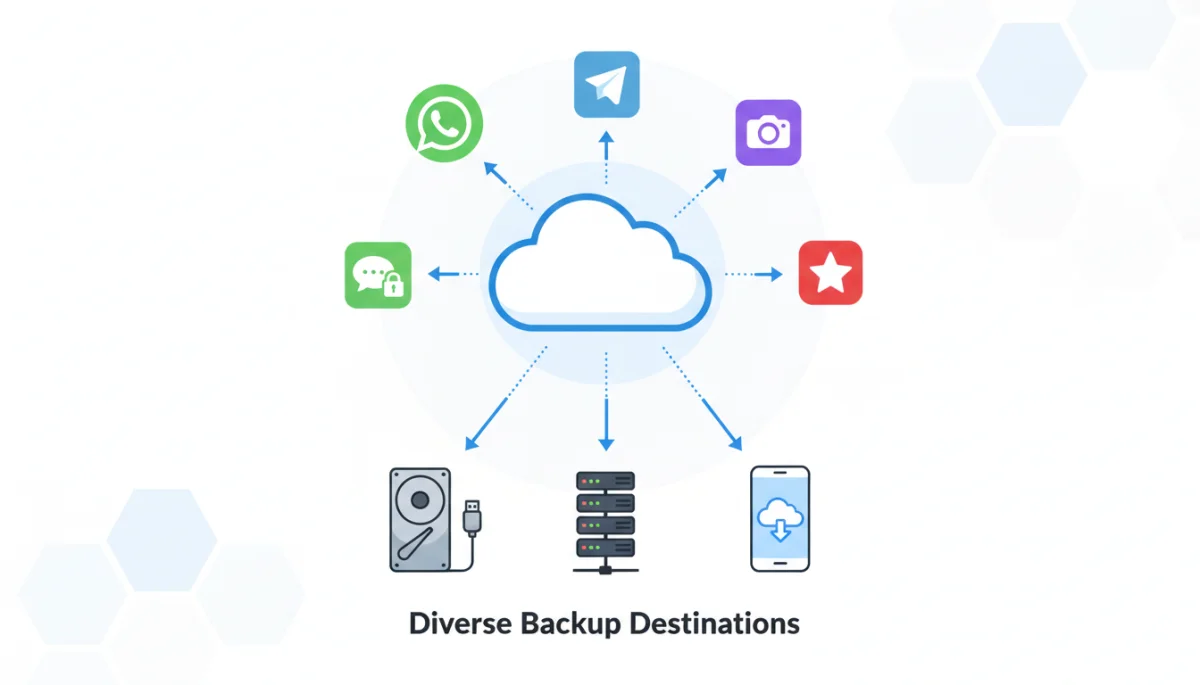
The question of who has access to your backups extends beyond the service provider. Consider who else has access to your cloud account credentials or your physical backup device. Shared accounts, weak passwords, or lack of two-factor authentication can all compromise the security of your backed-up data. It’s not just about the app’s security; it’s about your overall digital security practices.
Cloud vs. local backups: weighing the options
- Cloud backups: Convenient, automatic, and accessible from anywhere. However, they rely on third-party security and privacy policies.
- Local backups: Offer greater control and privacy, as data remains on your device. But they are vulnerable to device loss, damage, or theft.
- Hybrid approaches: Some users opt for a combination, using cloud for convenience and local for critical, highly sensitive data.
Before initiating any backup, take the time to read the privacy policies of both your messaging app and the chosen cloud storage provider. Knowledge is your best defense against unintended data exposure. Always choose a storage solution that aligns with your personal security and privacy comfort levels.
Data retention policies and backup frequency
Beyond where your data is stored and how it’s encrypted, understanding the data retention policies and backup frequency of your messaging app is crucial. These factors determine how long your backups are kept, how current they are, and what happens to your data if you stop using a service or delete your account. Many users overlook these details, only to find themselves in a difficult situation when they need to restore older conversations.
Some apps might only retain the most recent backup, overwriting older versions. This can be problematic if you need to recover something that was deleted a while ago, before the last backup occurred. Other services might delete backups after a period of inactivity or if you uninstall the app. Knowing these policies helps you plan accordingly and avoid unexpected data loss. Regular, scheduled backups are essential for ensuring that your chat history is always up-to-date and recoverable.
Managing backup frequency and retention
- Automatic vs. manual backups: Decide if you prefer daily, weekly, or manual backups based on your communication habits.
- Retention limits: Check if the service keeps multiple versions of your backup or only the latest one.
- Inactive account policies: Understand if your backups will be deleted after a period of account inactivity.
- Data deletion: When you delete your account, what happens to your backed-up data? Is it permanently removed?
It’s advisable to configure your backup settings to a frequency that matches the importance of your conversations. For critical communications, daily backups might be necessary, while for more casual chats, weekly might suffice. Regularly reviewing your backup settings and ensuring they are active is a simple yet effective way to prevent significant data loss. Always be aware of the lifecycle of your backed-up data.
Recovering your chat history: process and limitations
The primary purpose of a backup is data recovery, yet many users are unfamiliar with the process until they desperately need it. Before you rely on a messaging app’s backup feature, it’s vital to understand the recovery process, its potential limitations, and what specific data can actually be restored. Not all backups are created equal, and some might only restore text messages, while others include media files, documents, and even call logs.
The complexity of recovery can also vary. Some apps offer a seamless, one-click restore when you reinstall the app on a new device. Others might require manual steps, transferring files, or even contacting support. Understanding these nuances beforehand can save you significant time and frustration during a data loss event. Furthermore, limitations such as compatibility issues between different operating systems (e.g., iOS to Android) can sometimes prevent a full restoration of chat history.
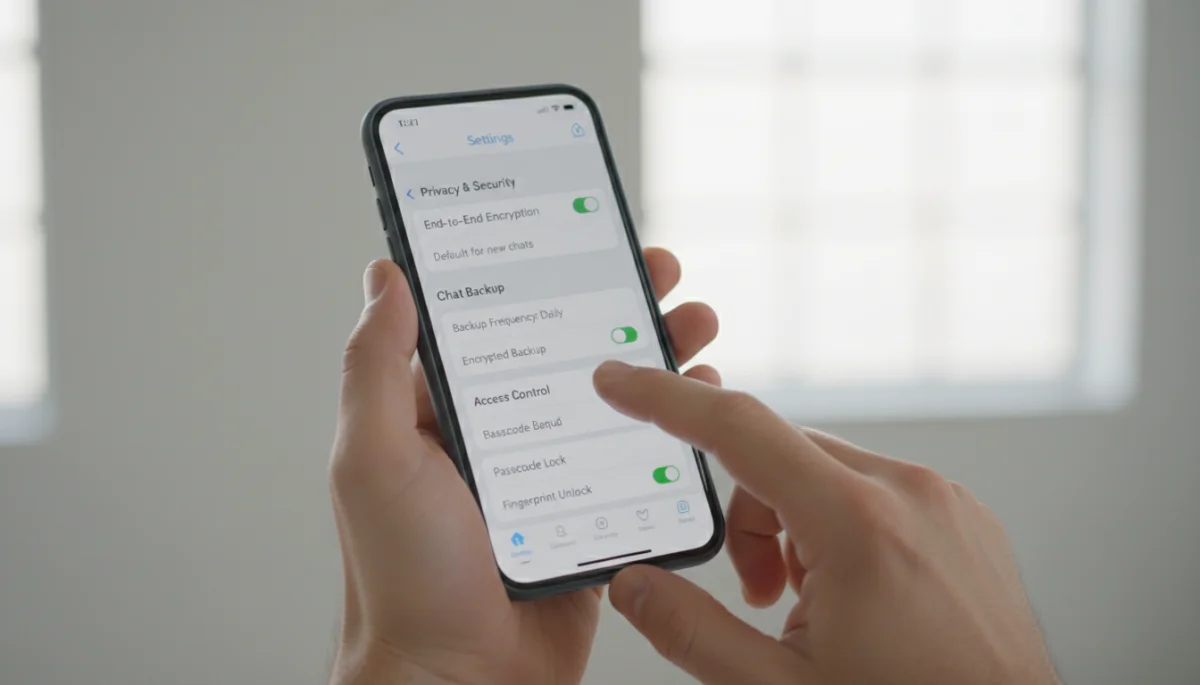
Consider the scenario where you switch from an iPhone to an Android device, or vice versa. Many messaging apps, especially those relying on platform-specific cloud services like iCloud or Google Drive, do not offer direct cross-platform chat migration. This can mean a complete loss of your chat history if you don’t use a third-party tool or a specific app feature designed for this purpose. Always research cross-platform compatibility if you anticipate such a change.
Key recovery considerations
- What data is included? Text, photos, videos, voice messages, documents?
- Platform compatibility: Can you restore backups across different operating systems?
- Ease of restoration: Is it an automated process or does it require manual intervention?
- Version control: Can you restore to a previous backup version, or only the latest?
Practicing a test restore, if possible, can be an invaluable exercise to familiarize yourself with the process and confirm that your backups are indeed functional. Don’t wait until disaster strikes to discover the limitations of your chosen backup solution. Proactive testing ensures that your recovery plan is robust and reliable.
Cost implications and storage limits of backups
While many messaging apps offer basic backup features for free, there can be hidden or overlooked costs associated with storing your chat history. These costs typically arise when your backup data exceeds the free storage limits provided by cloud services. For users with extensive chat histories, including numerous photos and videos, these storage requirements can quickly add up, necessitating paid subscriptions.
Cloud storage providers often have tiered pricing models, with free allowances that might seem sufficient initially but prove inadequate over time. As your digital life expands, so does the volume of your chat data. It’s important to monitor your storage usage and factor in potential future costs. Some messaging apps might also offer premium features that include enhanced backup options or unlimited storage, which come with their own subscription fees.
Evaluating backup costs and limits
- Free storage limits: How much free cloud storage is provided, and is it shared with other services?
- Subscription tiers: What are the costs for additional storage, and what features do they unlock?
- Data compression: Does the app compress backup data to reduce storage usage?
- Impact on device storage: If using local backups, how much space will it consume on your device?
Beyond direct costs, consider the indirect implications. Running out of storage might lead to failed backups, leaving your data vulnerable. This could force you into an unplanned subscription or the difficult decision of deleting older, potentially valuable chat history. Proactively assessing your storage needs and understanding the associated costs will help you make informed decisions and budget accordingly for your long-term data preservation strategy.
Best practices for managing your messaging app backups
Effective management of your messaging app backups goes beyond simply enabling the feature; it involves a continuous process of review, optimization, and vigilance. Adopting best practices ensures that your chat history is not only saved but also secure, accessible, and aligned with your personal privacy preferences. A set-it-and-forget-it approach can often lead to vulnerabilities or data loss in the long run.
Regularly reviewing your backup settings is a fundamental best practice. This includes checking the frequency, the storage location, and the encryption status. As apps update and new features are introduced, default settings might change, or new options for enhanced security might become available. Staying informed and adapting your practices accordingly is key to maintaining a robust backup strategy.
Essential backup management tips
- Enable two-factor authentication (2FA): Secure your cloud storage accounts with 2FA to prevent unauthorized access to your backups.
- Periodically verify backups: Ensure your backups are actually working by occasionally checking the backup file or attempting a small test restore.
- Clean up old data: Delete unnecessary media or chats before backing up to reduce storage usage and potential exposure.
- Understand app updates: Be aware of how app updates might affect backup functionality or privacy settings.
- Use strong, unique passwords: For all accounts linked to your backups.
Furthermore, consider having redundant backups for highly critical information. While most messaging apps offer only one primary backup method, you might choose to export specific conversations manually for extra safekeeping. This multi-layered approach provides an additional layer of security against unforeseen data loss. By consistently applying these best practices, you transform your backup strategy from a reactive measure into a proactive defense of your digital legacy.
| Key Aspect | Brief Description |
|---|---|
| Encryption & Security | Confirm end-to-end encryption for backups and where keys are stored to protect privacy. |
| Storage Location | Understand if backups are cloud-based or local, and the privacy policies of the chosen provider. |
| Recovery Process | Familiarize yourself with how to restore chats, including data limitations and cross-platform compatibility. |
| Cost & Storage | Evaluate free storage limits, potential subscription costs, and how data volume impacts storage needs. |
Frequently Asked Questions about Messaging App Backups
Backing up your messaging app chats is crucial for preventing data loss from device damage, accidental deletion, or app migration. It ensures important conversations, photos, and documents remain accessible, safeguarding your digital memories and vital information against unforeseen circumstances.
Not always. While many messaging apps offer end-to-end encryption for live chats, this security often doesn’t extend automatically to backups. It’s essential to verify if your chosen app encrypts backups at rest and in transit, and where the encryption keys are managed, to ensure your data remains secure.
Cross-platform chat restoration can be challenging. Many messaging apps rely on platform-specific cloud services (iCloud for iOS, Google Drive for Android), making direct transfers difficult. Some apps offer specific tools or workarounds, but it’s crucial to research compatibility before making the switch to avoid losing your chat history.
When you delete your messaging app account, the associated backups are often also deleted, either immediately or after a grace period. It’s vital to understand the app’s data retention policy regarding account deletion, as this could result in permanent loss of your backed-up chat history.
While basic backup features are often free, costs can arise if your chat history exceeds the free storage limits of cloud services like Google Drive or iCloud. Large volumes of media can quickly fill up free allowances, requiring paid subscriptions for additional storage to ensure continuous and complete backups.
Conclusion
Navigating the landscape of messaging app backups requires a proactive and informed approach. By asking critical questions about encryption, storage location, recovery processes, and associated costs, you empower yourself to make intelligent decisions that safeguard your digital conversations. Your chat history is a valuable part of your digital life, encompassing memories, important information, and personal connections. Ensuring its security and accessibility through diligent backup practices is not merely a technical task but an essential aspect of modern digital responsibility. Embrace these considerations to protect your peace of mind and preserve your digital legacy effectively.
